This is a sample Workspace bot that uses the IBM Watson Workspace Bot Framework and IBM Watson Workspace SDK.
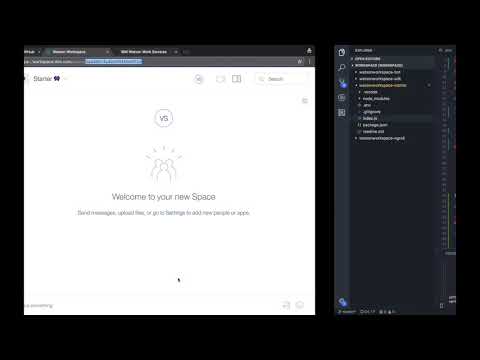
- Open a command line (terminal) and change directory to the
workspace-starterdirectory. - Install dependencies by running
npm install. - Create a
.envfile per the dotenv instructions in Local Development documentation. - Run
npm run-script devfrom a command line. - Copy the URL seen in step 2
Use 'https://cdf9d82f.ngrok.io/<APP_ID>/webhook' as your webhook URL in Watson Workspacemessage for later use. - Click the
Create new appbutton on the Developer Apps page. - Enter the
App Nameand theDescription of App. - Click
Create. - The next dialog will give you the App ID and App secret. You need to save these values to the respective environment variables in the
.envfile calledAPP_IDandAPP_SECRET. - Click on the
Listen to Eventslink. - Click on the
Add an outbout webhook button. - Give the webhook a name (any name will do) and select any of the events. The
message-createdandmessage-annotation-addedevents are particularly useful. - In the Webhook URL text box, specify the URL for your app you copied previously. For example,
https://cdf9d82f.ngrok.io/a7cfbdac-cdab-3d6f-ae13-0654b6b8e880/webhook. - Copy the
Webhook secretfrom the resulting dialog to theWEBHOOK_SECRETproperty in the.envfile. - Make a change to
index.jsand save. This causes the chatbot to restart and load the updated.envfile. - Back in you browser, select the
Enablebutton to complete the process. - Follow the instructions in Share App to add the app to a space.
- Go write some code!