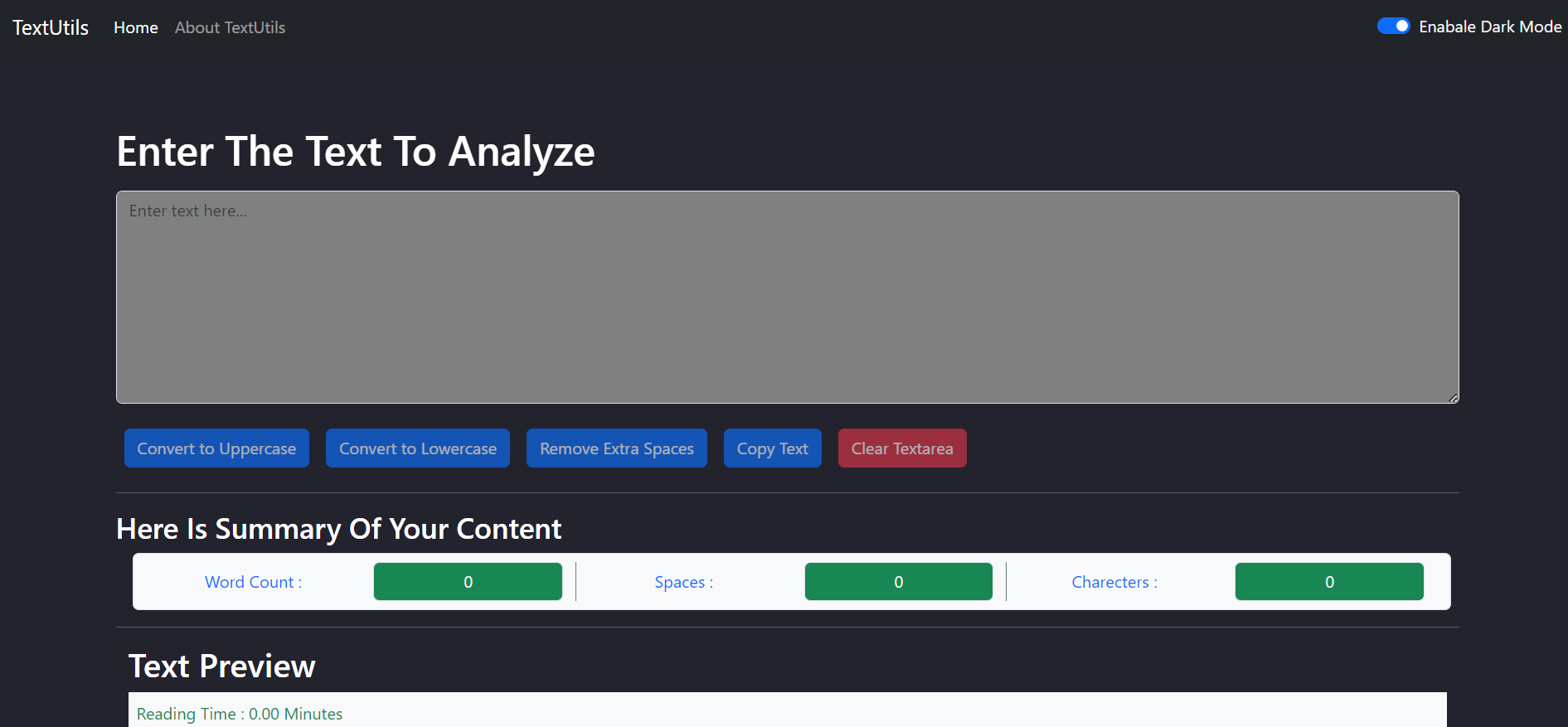
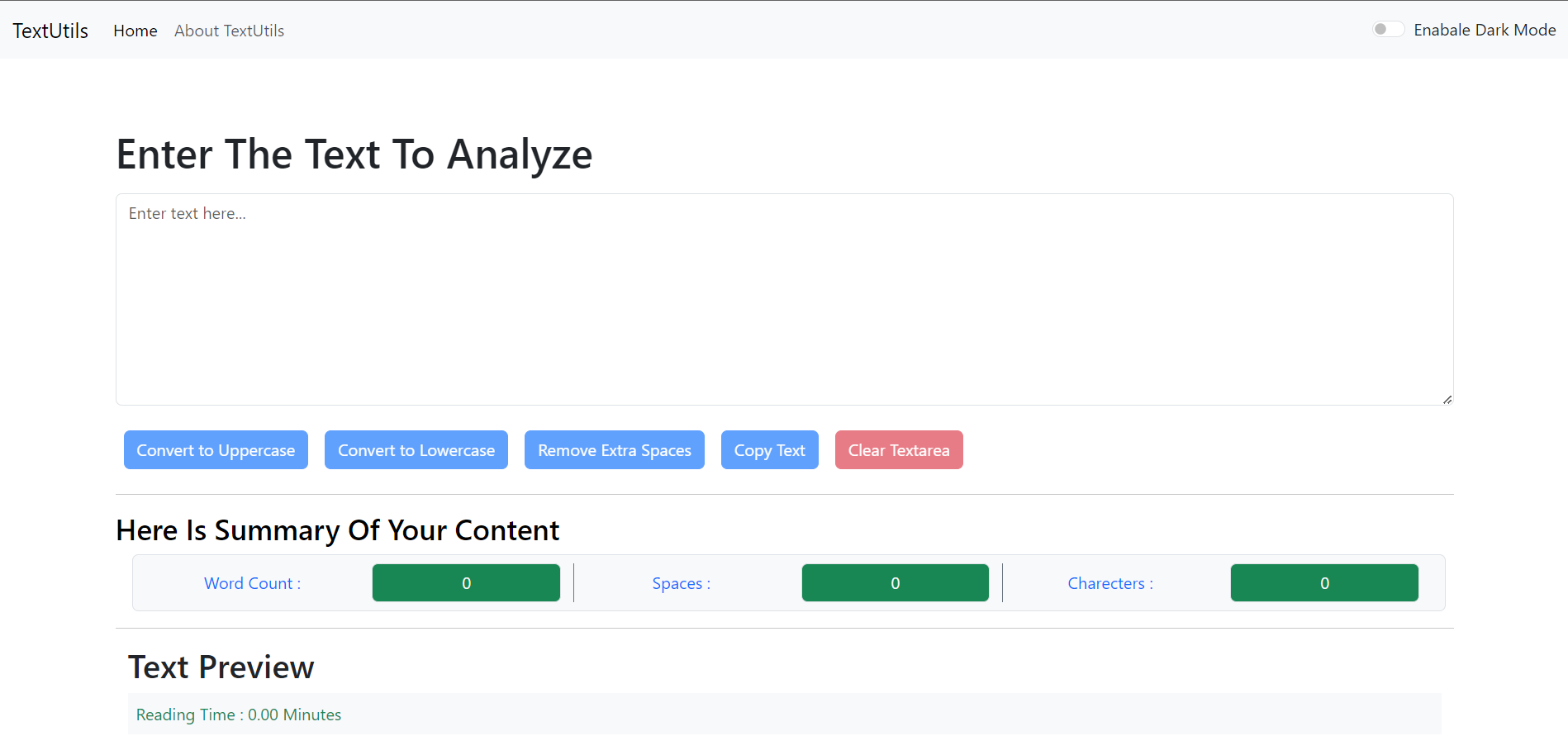
TextUtils is a web application created by Shivam that allows users to manipulate and analyze text. This application was designed to help users save time and effort by providing a one-stop platform for various text-related tasks.
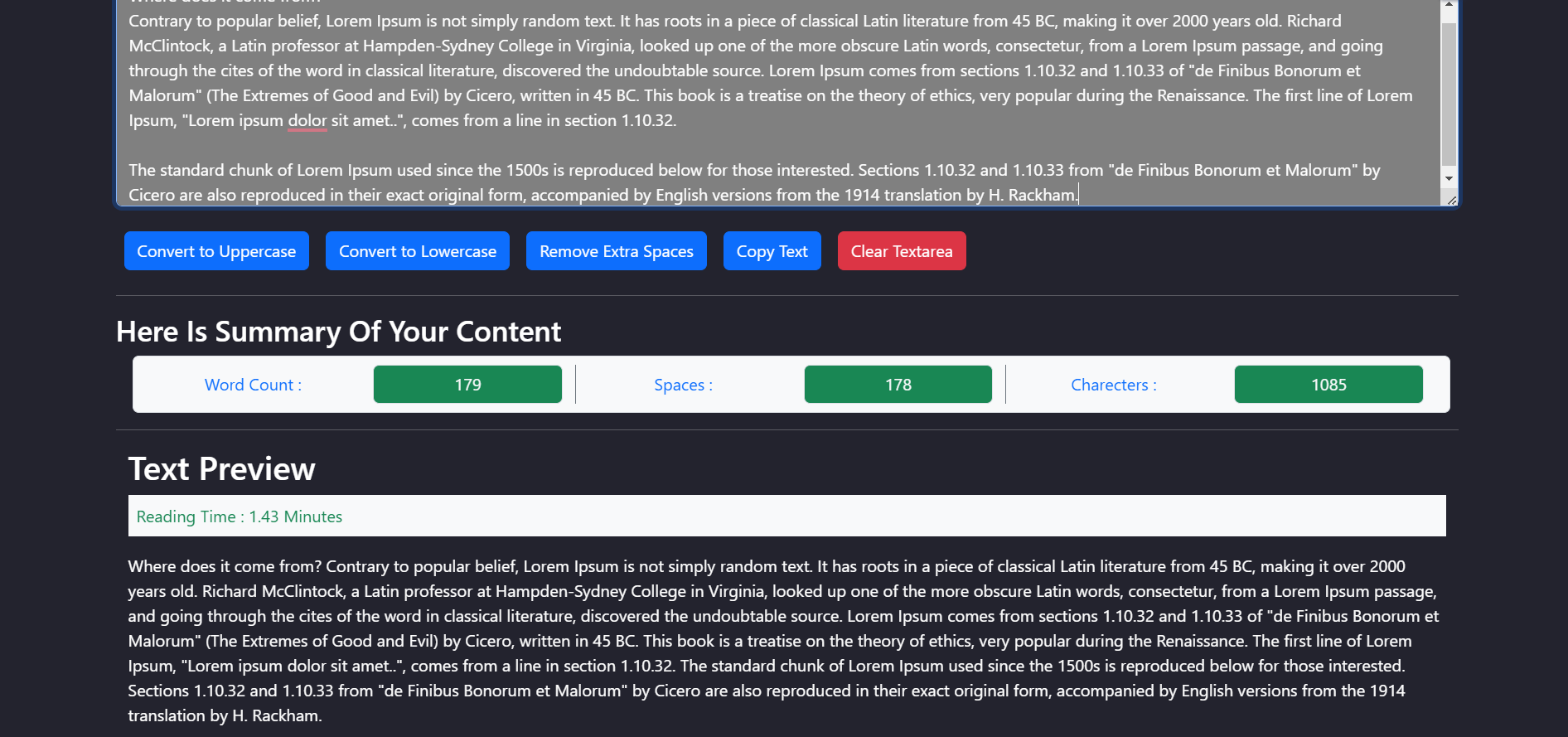
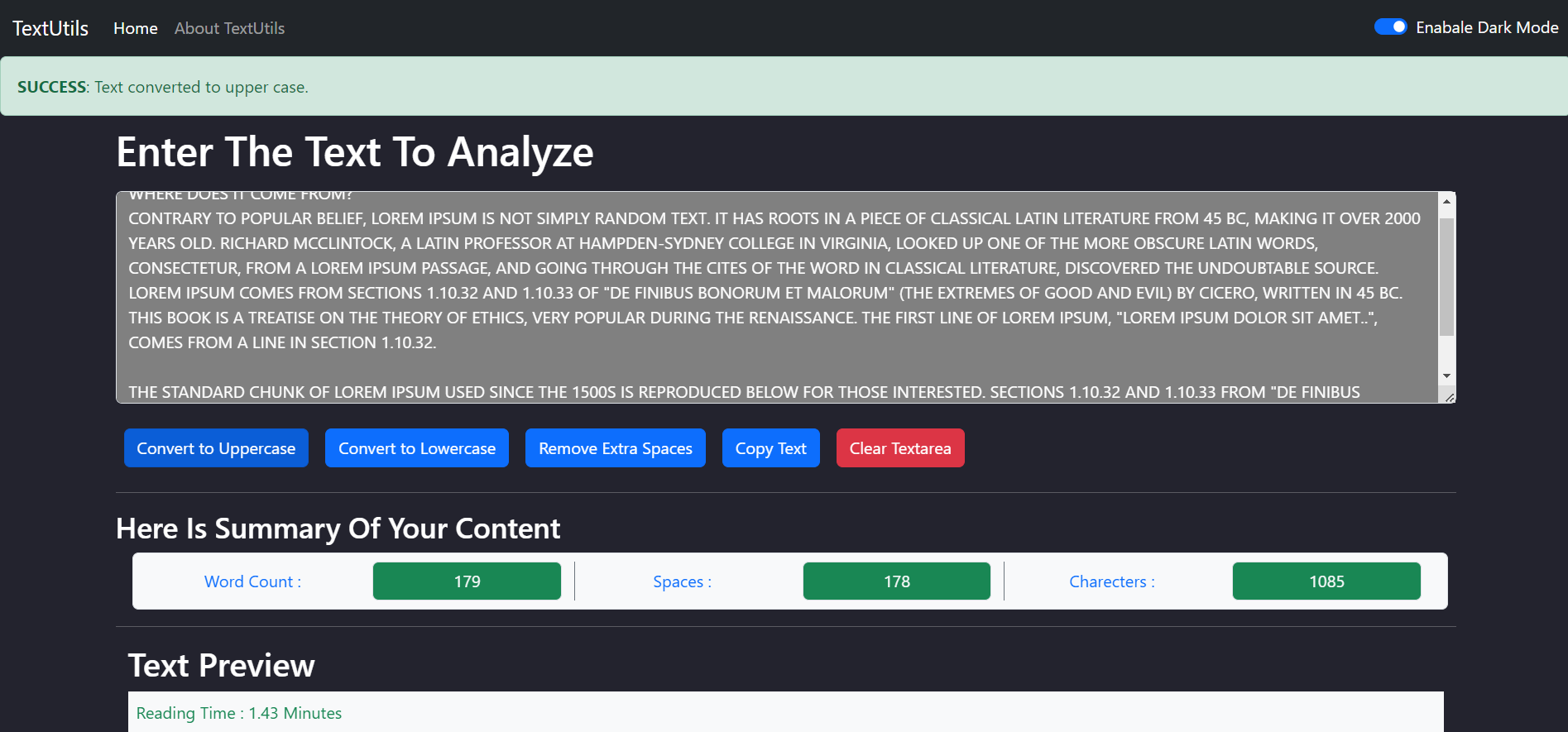
The web app has several features, including converting text to uppercase or lowercase, removing extra spaces, counting words and characters.
To use the app, users simply need to input the text they want to manipulate or analyze into the provided text box, select the desired function, and click the appropriate button. The app then generates the output, which can be copied and pasted for further use.
The TextUtils web app was created to provide a convenient and efficient solution for anyone who works with text regularly, such as content writers, editors, and students. By eliminating the need for multiple tools and providing all necessary text functions in one place, this app saves time and simplifies the text-related tasks.
Client: React, Redux, CSS3
Server: Node
Live link to visit Weather web app: https://text-transform-utills.netlify.app/
This project was bootstrapped with Create React App.
In the project directory, you can run:
Runs the app in the development mode.
Open http://localhost:3000 to view it in your browser.
The page will reload when you make changes.
You may also see any lint errors in the console.
Launches the test runner in the interactive watch mode.
See the section about running tests for more information.
Builds the app for production to the build folder.
It correctly bundles React in production mode and optimizes the build for the best performance.
The build is minified and the filenames include the hashes.
Your app is ready to be deployed!
See the section about deployment for more information.
Note: this is a one-way operation. Once you eject, you can't go back!
If you aren't satisfied with the build tool and configuration choices, you can eject at any time. This command will remove the single build dependency from your project.
Instead, it will copy all the configuration files and the transitive dependencies (webpack, Babel, ESLint, etc) right into your project so you have full control over them. All of the commands except eject will still work, but they will point to the copied scripts so you can tweak them. At this point you're on your own.
You don't have to ever use eject. The curated feature set is suitable for small and middle deployments, and you shouldn't feel obligated to use this feature. However we understand that this tool wouldn't be useful if you couldn't customize it when you are ready for it.
You can learn more in the Create React App documentation.
To learn React, check out the React documentation.
This section has moved here: https://facebook.github.io/create-react-app/docs/code-splitting
This section has moved here: https://facebook.github.io/create-react-app/docs/analyzing-the-bundle-size
This section has moved here: https://facebook.github.io/create-react-app/docs/making-a-progressive-web-app
This section has moved here: https://facebook.github.io/create-react-app/docs/advanced-configuration
This section has moved here: https://facebook.github.io/create-react-app/docs/deployment
This section has moved here: https://facebook.github.io/create-react-app/docs/troubleshooting#npm-run-build-fails-to-minify
Clone the project
git clone https://link-to-projectGo to the project directory
cd my-projectInstall dependencies
npm installStart the server
npm run startIf you have any feedback, please reach out to us at sharmn6395960@gmail.com
Copyright (c) 2023 Shivam Sharma
Licensed under the MIT License, available here: https://github.com/shivam00005/TextUtils/blob/main/LICENSE