
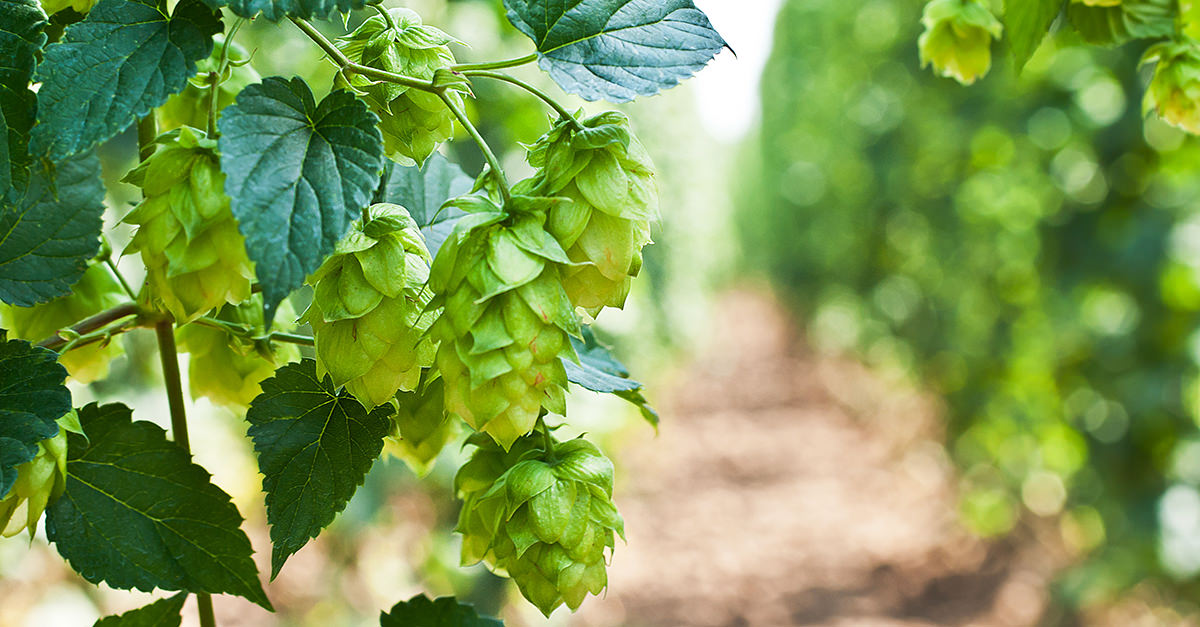
Image Source: VinePair
Tomer D. & Romith C.
Report Bug
·
Request Feature
Table of Contents
- About The Project
-
Getting Started
- Prerequisite Installations
- Repository Cloning
- Environment Setup
- Usage
- Scraper
- Cleaner
- EDA
- Classifier
- Analyzer
- Acknowledgments
Hops are primarily used as a bittering, flavoring, and stabilizing agent in beer. In recent years, hops have become the center of attention in the beer industry, as hop-forward beers have become one of the most popular styles of beer. Hops varieties are developed and grown in moderate climates around the world. Every branded hop variety has a unique flavor and aroma profile. This makes for an exciting and delicious reason to explore what flavor and aroma a hop can offer on its own, or together with other hops to bring waves and layers of flavor and aromas.
The purpose of this project is to build a processed dataset to explore some definitive hop characteristics, draw initial insights into geographical relationships between hops, and lay the groundwork for further model-building in future studies. The first step was to compile a comprehensive dataset that consists of these characteristics, with both numeric brew values, as well as an aroma profile for each hop. This was achieved through scraping BeerMaverick's database of a diverse set of 300+ hops from around the world. This raw data was thoroughly processed for exploratory studies, and feature-engineered to create insightful visualizations & prepare for initial model-building. Using a supervised tree-based ensemble methods (XG-Boost & Random Forest), these preliminary models were built for a deeper look into classification techniques of beer hops.
This section walks through the steps to download a local copy of the project and reproduce the findings.
Python 3.X and a means of accessing iPython notebook files is assumed. Links below walk through the necessary steps to fulfill these prerequisites.
Windows:
https://medium.com/@kswalawage/install-python-and-jupyter-notebook-to-windows-10-64-bit-66db782e1d02
MacOS:
https://docs.python-guide.org/starting/install3/osx/
https://medium.com/@blessedmarcel1/how-to-install-jupyter-notebook-on-mac-using-homebrew-528c39fd530f
- Navigate to a directory to save the repo through a Terminal.
cd c:\path\to\directory - Clone the repo
git clone https://github.com/rc-9/tools1_project.git
- Install virtual environment capability.
pip install virtualenv - Navigate to directory of the cloned repo and create a virtual environment for the project.
python -m venv c:\path\to\directory\venvname - Activate virtual environment for the project.
.\venv\Scripts\activate - Install necessary modules from the provided requirements file.
pip install -r requirements.txt - Launch Jupyter through virtual environment to view and execute codeblocks or run scripts directly in Terminal for outputs files.
This section outlines the order to execute iPython scripts to retrieve & clean the necessary data, generate visuals, perform analysis, and build basic classification models.
-
Execute
step1_scraper.ipynbto collect the info from BeerMaverick's Hops Database. This script is designed to take 40+ minutes to fully execute and scrape all the necessary data. As the database contains over 300+ hops, each with individual webpages for detailed info, the scraper is set up with a wait-time to ensure the scraping can be fully completed without running into automatic IP blocks. This step is optional and can be skipped to avoid the long run-time as the outputraw_data.csvis already provided in the repository.
The raw data is stored in theraw_datadirectory consisting of the followingcsvfiles:raw_hops_main.csv: primary data file to be used for cleaning & analysisraw_ref_aroma_types.csv: reference document for metadata info on aroma typesraw_ref_brew_values.csv: reference document for metadata info on brew valuesraw_ref_hops_substitutions.csv: reference document for metadata info on pre-determined hop substitutions
-
Execute
step2_cleaner.ipynbto wrangle and feature-engineer the raw data files fromraw_dataand store cleaned data intoclean_data.
Theclean_datadirectory consists of the followingcsvfiles:cln_hops_brewvalues.csv: processed numerical data for various brew values for each hopcln_hops_profile.csv: processed categorical & boolean data of country, purpose, aroma info for each hopcln_ref_aroma_types.csv: processed reference document for metadata info on aroma typescln_ref_brew_values.csv: processed reference document for metadata info on brew valuescln_ref_hops_substitutions.csv: processed reference document for metadata info on pre-determined hop substitutions
-
Execute
eda_and_summary_visuals.ipynbwhich uses the processed data files fromclean_datato perform exploratory analysis, develop insights into our dataset, and provide summary visualizations that present the data.
Theimagesdirectory generated from execution will consist of all thepngoutput files from our script.
-
Execute
region_classifier.ipynbto construct two tree-based ensemble models using XG-Boost & Random Forest classification algorithms to classify hop region.
In this script, we attempt to classify geographical regions based on various hop characteristics. The processed data fromclean_dataundergoes further feature-engineering to prepare to be fed into a model that can carry out this task. This script is self-contained and will consist of the resulting confusion matrix from the model predictions.
Additionally, a tool was also built to take in input data of various hop characteristics from the user, and execute the classifier model to predict the correct region to which the hop belongs to.
-
Execute
purpose_classifier.ipynbto construct two tree-based ensemble models using XG-Boost & Random Forest classification algorithms to classify hop purpose.
In this script, we attempt to classify hop purpose (Dual vs Aroma vs Bittering) based on various hop characteristics. The processed data fromclean_dataundergoes further feature-engineering to prepare to be fed into a model that can carry out this task. This script is self-contained and will consist of the resulting confusion matrix from the model predictions.
Additionally, a tool was also built to take in input data of various hop characteristics from the user, and execute the classifier model to predict the correct purpose of the hop.
- Data source: https://beermaverick.com/hops/