

Lightweight benchmark scripts for Linux VPS (Ubuntu/Debian/CentOS/RHEL).
geekbench.sh: now downloads and runs Geekbench Linux package via HTTPS (defaults to Geekbench 6).fio/stress-ng: still useful for disk and stability testing.
rebrand.lyshort links: opaque destination, poor maintainability.sivel/speedtest-cliPython script: repository archived (read-only on 2026-01-21).git.io/superbenchshort URL:git.ioservice is discontinued.
Run from this repository:
bash geekbench.shOptional: override version when a new release is available:
GB_VERSION=6.5.0 bash geekbench.shRun CPU + disk + network and store all outputs under ./reports/<timestamp>/:
bash vps-bench.shRun without git clone (single command):
bash <(curl -fsSL https://raw.githubusercontent.com/mikeyang01/Benchmark_script_for_VPS/master/bench.sh)Pass options through:
bash <(curl -fsSL https://raw.githubusercontent.com/mikeyang01/Benchmark_script_for_VPS/master/bench.sh) --quickUseful options:
# Faster run
bash vps-bench.sh --quick

# Skip specific tests
bash vps-bench.sh --no-cpu
bash vps-bench.sh --no-disk
bash vps-bench.sh --no-net

# Include point-to-point throughput test
bash vps-bench.sh --iperf-server <server-ip>Use the maintained official binary package instead of archived Python clients:
# Debian/Ubuntu example
curl -s https://packagecloud.io/install/repositories/ookla/speedtest-cli/script.deb.sh | sudo bash
sudo apt-get install -y speedtest
speedtestsudo apt-get install -y iperf3
# Example: iperf3 -c <server-ip> -P 4 -t 20sudo apt-get install -y fio
fio --name=randrw --filename=testfile --size=1G --bs=4k --rw=randrw --iodepth=64 --runtime=60 --numjobs=4 --group_reportingsudo apt-get install -y stress-ng
stress-ng --cpu 4 --io 2 --vm 2 --timeout 60ssudo apt-get install -y sysbench
sysbench cpu --threads=4 --time=30 runsudo apt-get install -y mtr
mtr -rwzc 20 1.1.1.1sudo apt-get install -y lm-sensors
sensorssudo apt-get install -y k6
k6 run - < <(cat <<'EOF'
import http from 'k6/http';
import { sleep } from 'k6';
export default function () {
http.get('https://example.com');
sleep(1);
}
EOF
)sudo apt-get install -y bpftrace
sudo bpftrace -e 'BEGIN { printf("bpftrace ready\n"); exit(); }'sudo apt-get install -y bpfcc-tools
sudo /usr/sbin/execsnoop-bpfccsudo apt-get install -y phoronix-test-suite
phoronix-test-suite benchmark compress-7zipNo installation needed. Open in a browser: https://cznull.github.io/vsbm
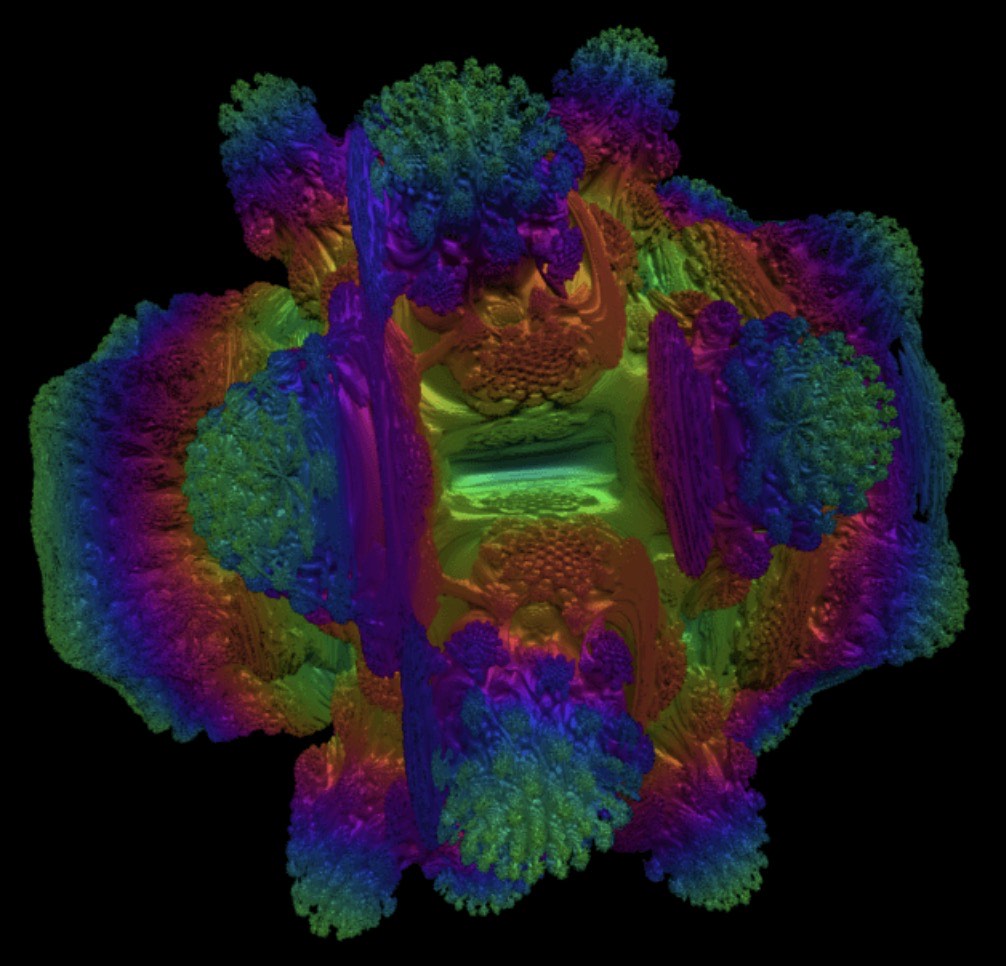
git clone https://github.com/wilicc/gpu-burn.git
cd gpu-burn
make
./gpu_burn 60If you still want one-command community scripts, prefer direct upstream URLs (not short links), and pin versions when possible.
