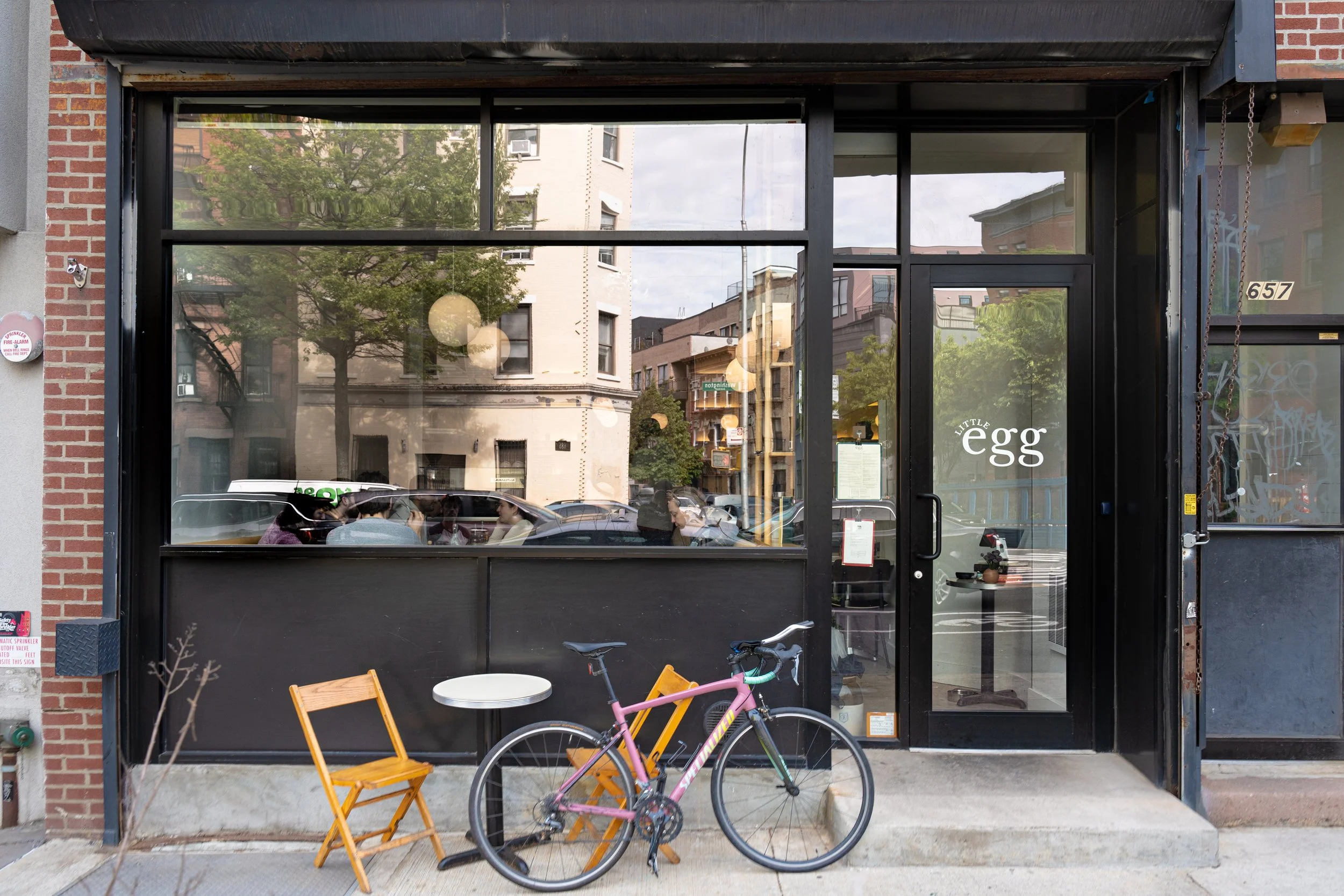


This repository contains the production-ready bundled output of a dynamic single-page application (SPA) for a fictional restaurant. The project was primarily built to learn and implement Webpack for asset management and module bundling as part of The Odin Project's JavaScript curriculum. The application demonstrates modular JavaScript programming where different sections of the website (Home Menu Contact) are loaded dynamically by manipulating the DOM rather than using separate HTML files for each page.
https://cooleditingx.github.io/odin-resturant/

Here're some of the project's best features:
- Webpack Bundling: All source code (JS CSS images fonts) is compiled and bundled into the small set of production files found in this repository.
- Single Page Application (SPA) Structure: The entire site is loaded from a single index.html file with content swapping managed by JavaScript.
- Modular Content: The layout is divided into three distinct tabs:
- Home: A welcoming landing page with a description and operating hours.
- Menu: A list of dishes with images and prices.
- Contact: Information on how to reach the restaurant.
- Responsive Design: The layout adjusts for optimal viewing on various screen sizes (mobile tablet desktop).
1. Clone the repository:
git clone [https://github.com/cooleditingx/odin-resturant.git](https://github.com/cooleditingx/odin-resturant.git) cd odin-resturant
2. Open the Index File:
Since this is a client-side web application, you only need to open the index.html file in your web browser.- Alternatively, for best performance and to avoid any cross-origin issues with assets, you can run a simple local server using Python or VS Code extensions:
# Using Python's built-in server (Python 3) python -m http.server
Then navigate to http://localhost:8000 in your browser.
Technologies used in the project:
- Webpack
- HTML
- CSS
- JavaScript