




HungrAI is an AI-powered recipe discovery platform that transforms ingredient photos into personalized recipe recommendations. Using advanced computer vision powered by Google Gemini on Vertex AI, HungrAI identifies ingredients from uploaded images and suggests creative, practical recipes that match what you already have in your kitchen.

HungrAI solves a common problem: you have ingredients at home, but you're not sure what to cook. Instead of manually typing ingredient lists or searching through countless recipe websites, simply snap a photo of your ingredients and let AI do the work.
The platform analyzes your images in real-time, identifies multiple ingredients simultaneously and generates tailored recipe suggestions complete with:
- Ingredient matching - Shows which detected ingredients each recipe uses
- Missing ingredients - Highlights what else you might need
- Match scores - Ranks recipes by how well they utilize your available ingredients
- Step-by-step instructions - Clear cooking guidance for each recipe
- Prediction history - Track your past ingredient scans and recipe discoveries
Unlike traditional recipe apps that require manual input, HungrAI streamlines the cooking discovery process through visual ingredient recognition, making meal planning effortless and inspiring.
- Next.js - React framework for web application
- Tailwind CSS - Utility-first CSS framework for styling
- TypeScript - Type-safe development
- WorkOS AuthKit - Authentication and identity management
- Radix UI - Accessible component primitives
- Lucide React - Beautiful icon library
- FastAPI - High-performance Python web framework
- Google Vertex AI Gemini 2.5 Flash - Advanced multimodal AI for image understanding and recipe generation
- Pillow (PIL) - Image processing and validation
- Python Multipart - File upload handling
- Supabase - PostgreSQL database for user data and prediction history
- Supabase Auth - User authentication and session management
- Database Tables:
- User predictions and scan history
- Ingredient detection records
- Recipe suggestions and metadata
- Google Cloud Run - Serverless container deployment for backend
- Vercel - Frontend deployment and hosting
- Docker - Backend containerization
- WorkOS - Enterprise-grade authentication
- Environment-based secrets - Secure credential management

Flow:
- User uploads ingredient photos through Next.js frontend
- Images are sent to FastAPI backend via multipart/form-data
- Backend processes images and calls Vertex AI Gemini API
- Gemini analyzes images and returns ingredient predictions + recipe suggestions
- Results are stored in Supabase for prediction history
- Frontend displays recipes with match scores and instructions
Users sign in through WorkOS AuthKit, which provides secure authentication and session management. Upon successful login, users are redirected to the dashboard.
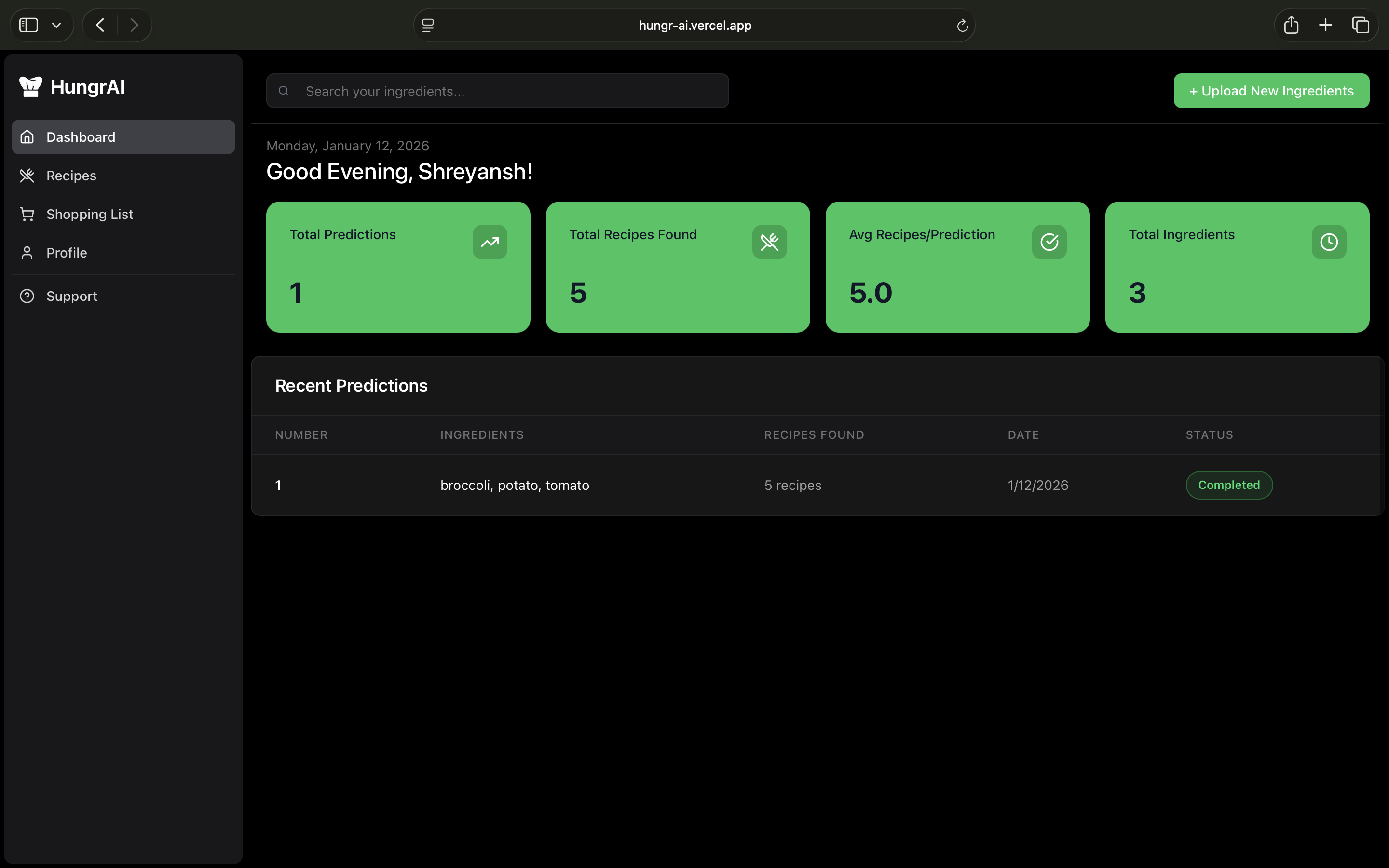
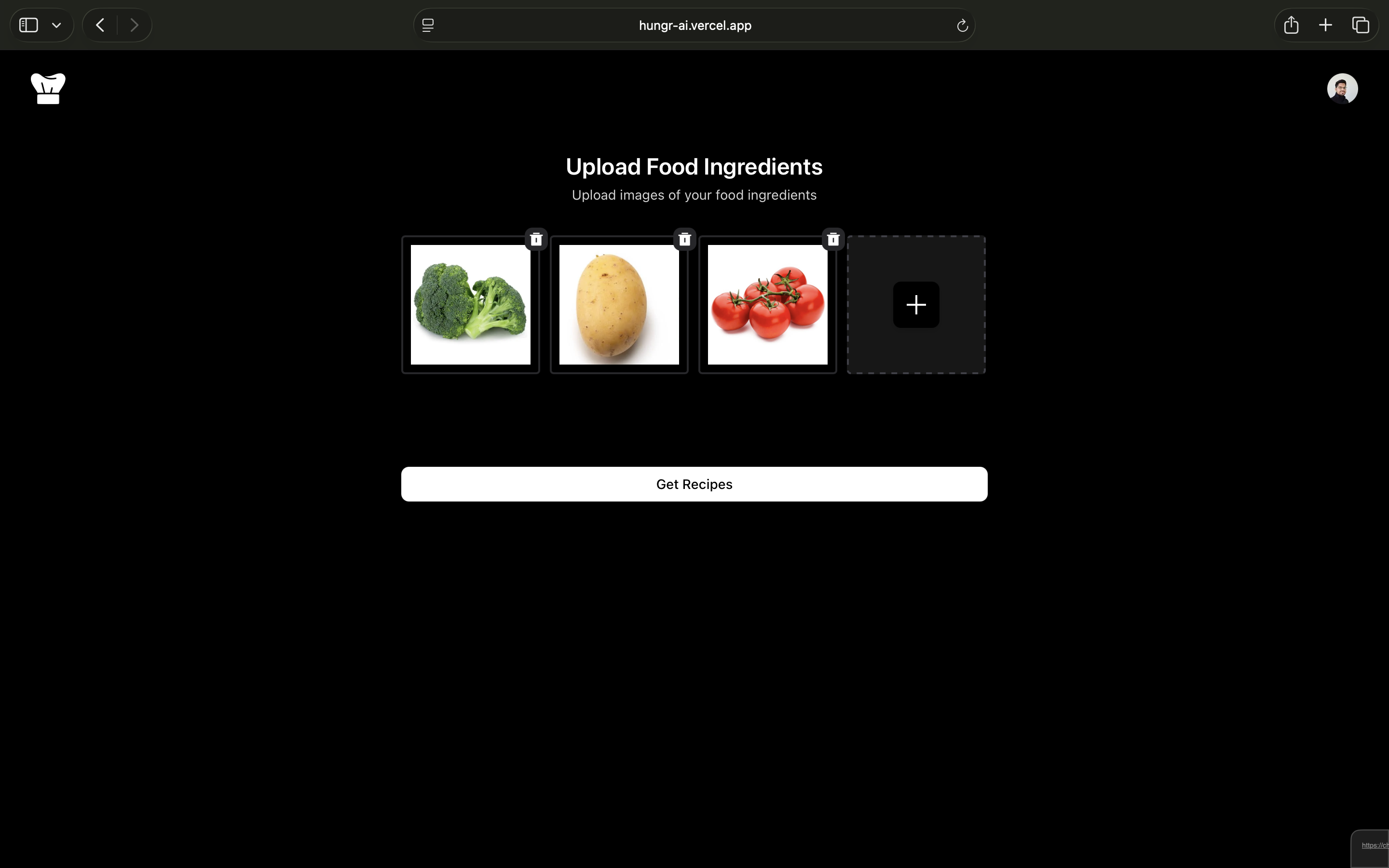
From the dashboard, users navigate to the "Upload Ingredients" page where they can:
- Select multiple ingredient photos from their device
- Preview selected images before upload
- Submit for AI analysis
The backend:
- Validates uploaded images (format and size)
- Converts images to base64 for Vertex AI processing
- Sends images to Gemini 2.5 Flash with structured prompts
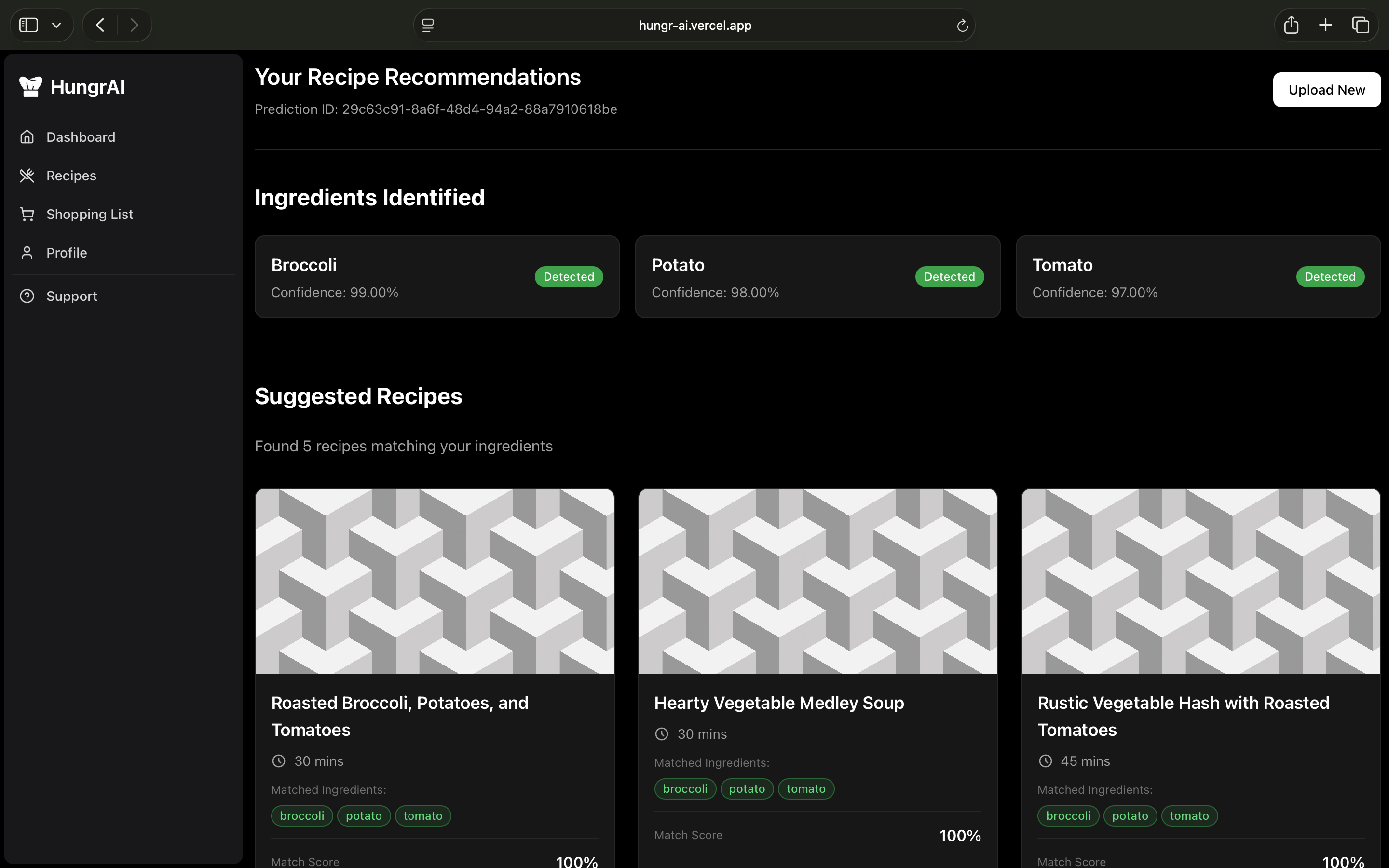
- Receives ingredient predictions and recipe suggestions
- Detected ingredients with confidence scores
- Recipe cards showing:
- Recipe title and match score
- Matched ingredients (what you have)
- Missing ingredients (what you need)
- Cooking instructions
All predictions are stored in Supabase with:
- User email association
- Timestamp of prediction
- Full ingredient and recipe data
- Metadata for filtering and sorting
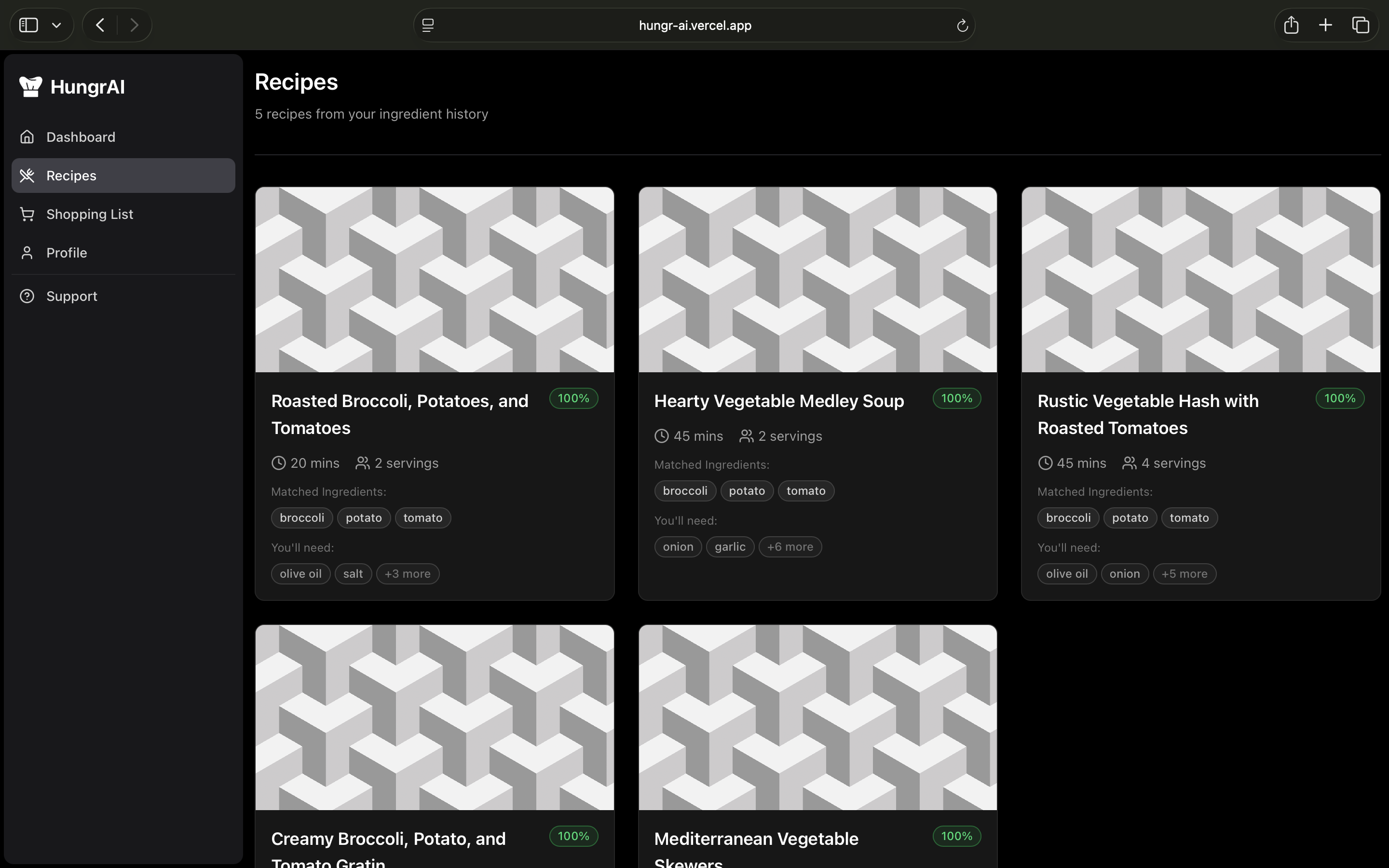
Users can view their prediction history on the dashboard:
- Recent scans displayed in chronological order
- Quick access to past recipe suggestions
- Filter by date or ingredients
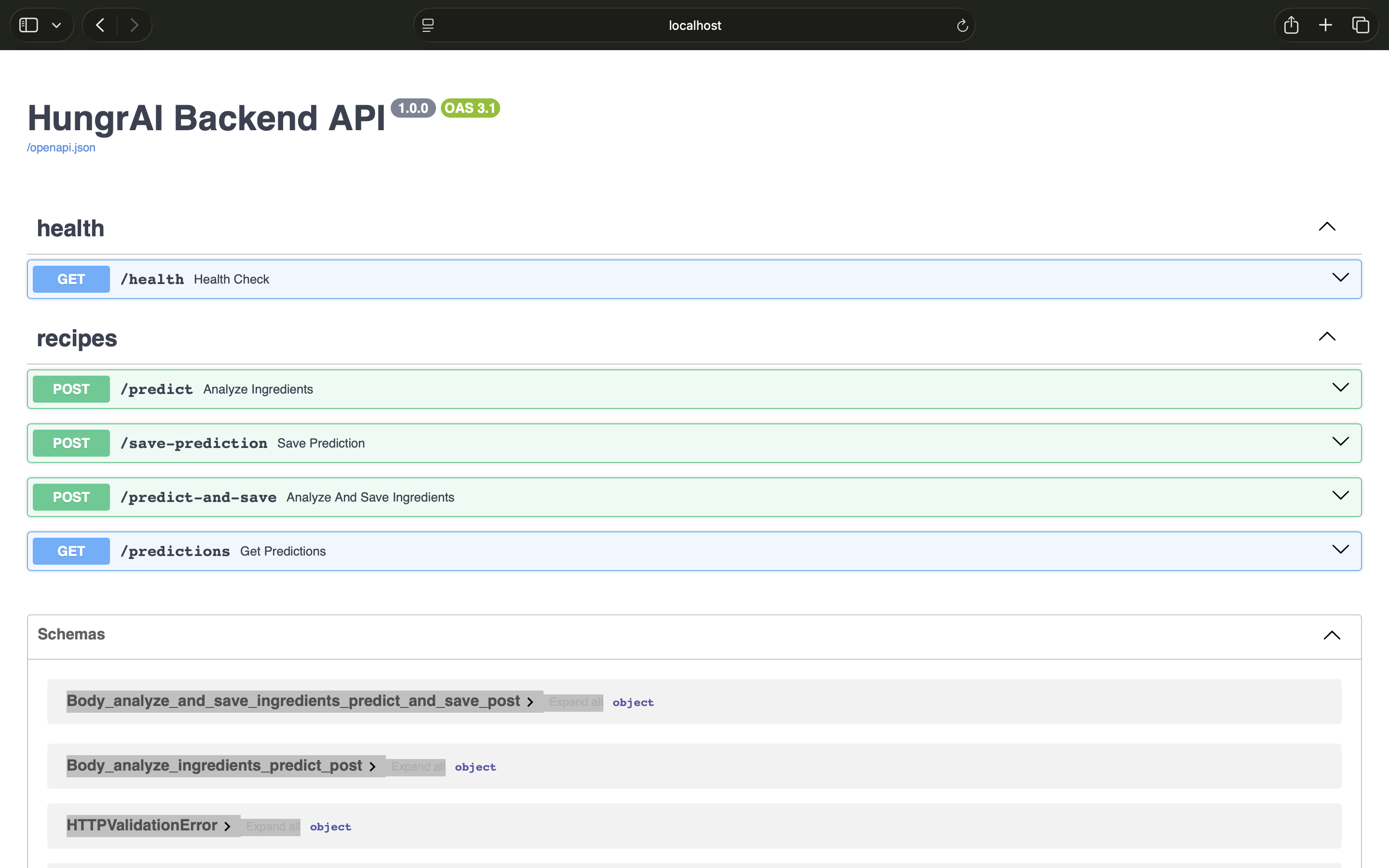
Use when: Checking service availability
Returns: {"status": "alive"}
Use when: Uploading ingredient images for analysis
Request: Multipart form-data with image files
Returns: JSON with predictions, ingredients, and recipes
{
  "predictions": [
    {
      "filename": "image1.jpg",
      "label": "tomato",
      "confidence": 0.95
    }
  ],
  "ingredients": ["tomato", "onion", "garlic"],
  "recipes": [
    {
      "id": 1,
      "title": "Tomato Pasta",
      "score": 0.85,
      "matched": ["tomato", "onion", "garlic"],
      "missing": ["pasta", "olive oil"],
      "instructions": ["Boil pasta...", "Sauté onions...", "Add tomatoes..."]
    }
  ],
  "candidate_count": 5
}Use when: Fetching user prediction history
Query params: user_email, limit
Returns: Array of prediction records with timestamps
- Multi-image upload - Scan multiple ingredients simultaneously
- Real-time processing - Fast image analysis powered by Gemini 2.5 Flash
- High accuracy - Confidence scores for each detected ingredient
- Validation - Image format verification and error handling
Gemini drives intelligent recipe suggestions:
- Context-aware matching - Recipes that maximize use of detected ingredients
- Match scoring - Ranked by ingredient utilization (0.0 to 1.0)
- Missing ingredient detection - Shows what else you might need
- Detailed instructions - Step-by-step cooking guidance
- Multiple suggestions - At least 5 recipe options per scan
- User-scoped data - Personal prediction history per authenticated user
- Recent scans - View your latest ingredient detections
- Recipe library - Access previously generated recipes
- Metadata tracking - Timestamps and confidence levels
- Profile management - Personalized user profiles via WorkOS
- Settings - Customizable preferences
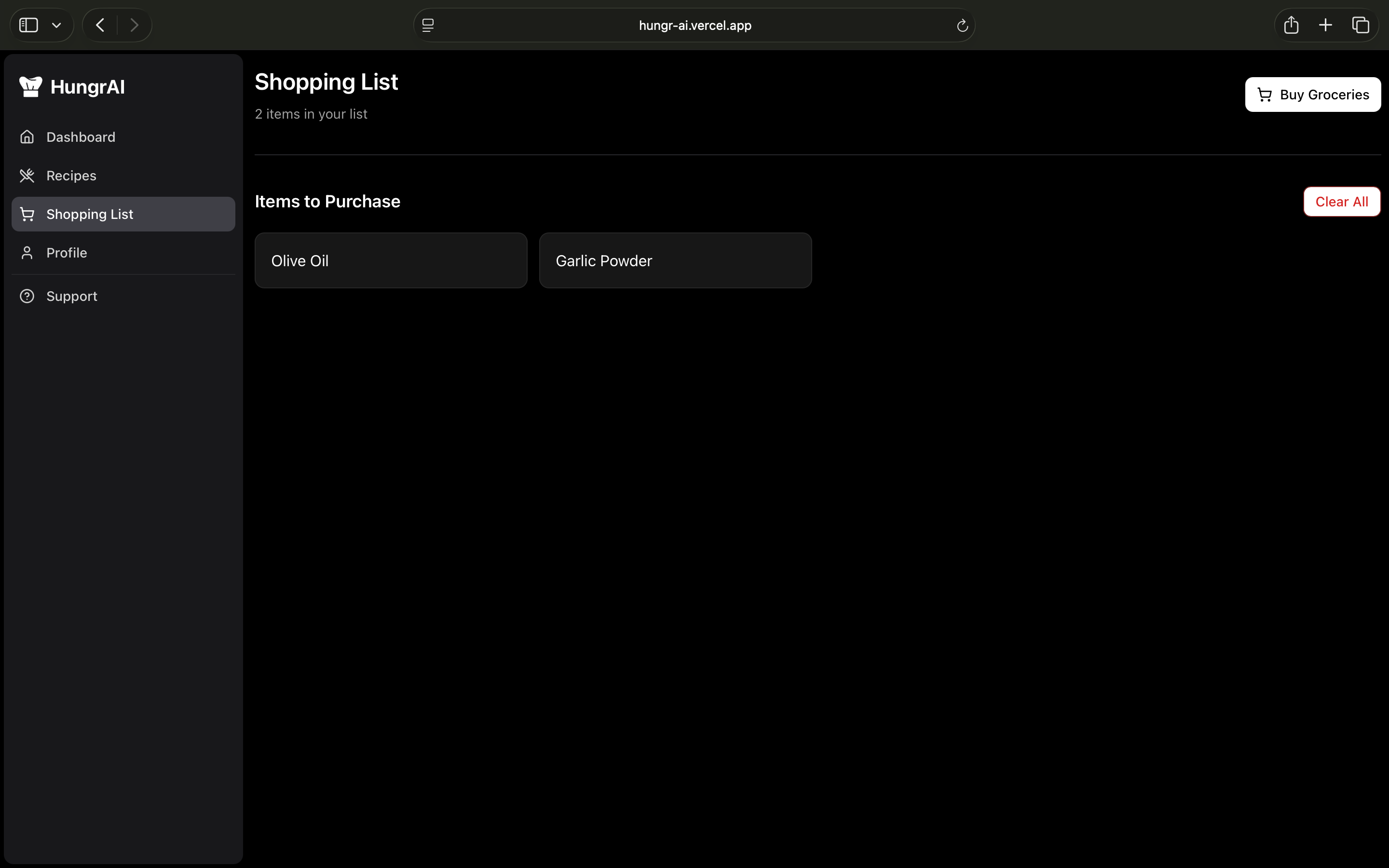
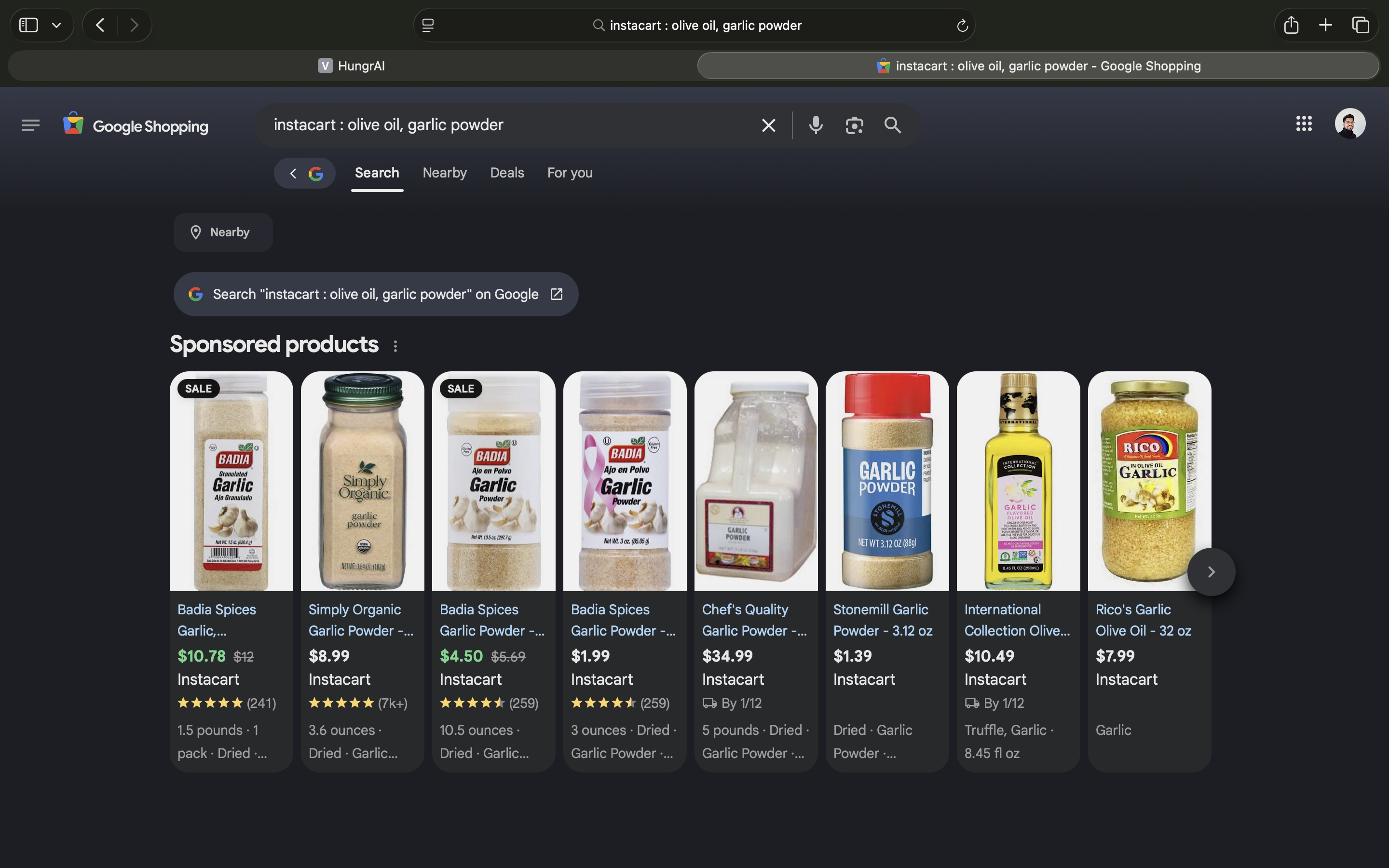
- Shopping list - Plan your grocery shopping
- Support - Help and documentation access
- WorkOS AuthKit - Enterprise-grade authentication
- Protected routes - Dashboard and features require login
- Session management - Secure cookie-based sessions
- User scoping - All data isolated per user account
- Serverless backend - FastAPI deployed on Cloud Run with auto-scaling
- PostgreSQL database - Managed by Supabase for reliability
- Environment isolation - Separate dev/prod configurations
- Health monitoring -
/healthendpoint for uptime checks
# Clone repository
git clone https://github.com/binaryshrey/HungrAI.git
cd HungrAI

# Frontend setup
cd hungrai
npm install
npm run dev

# Backend setup (in separate terminal)
cd backend
pip install -r requirements.txt
uvicorn main:app --reload --host 0.0.0.0 --port 8080HungrAI/
├── backend/ # FastAPI backend
│ ├── main.py # API endpoints and Vertex AI integration
│ ├── requirements.txt # Python dependencies
│ └── Dockerfile # Container configuration
├── hungrai/ # Next.js frontend
├── app/ # Next.js App Router
│ ├── dashboard/ # Dashboard pages
│ ├── upload_ingredients/ # Image upload interface
│ ├── actions/ # Server actions
│ └── callback/ # Auth callbacks
├── components/ # React components│ │ ├── dashboard/ # Dashboard components
│ ├── home/ # Landing page components
│ └── ui/ # Reusable UI components
└── utils/ # Utilities and constants
Apache License 2.0