Add read region and tiff writer #18
Conversation


|
Investigating further, this is an annotation using the Philips SDK (gray box drawn by me to get coordinates). This is the same region read from the tiff by the conversion:
The small offset seems to be precisely 2048, but somehow the Philips SDK is cropping it. I'm also noticing some contrast differences. Is this the Local Contrast Enhancement they use or the ICC profile? Some sharpening and contrast enhancement with OpenCV:
|
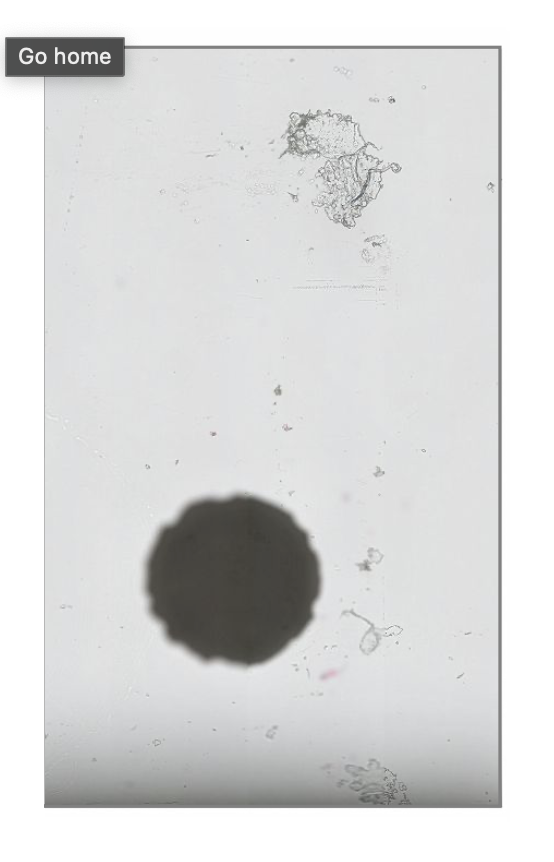
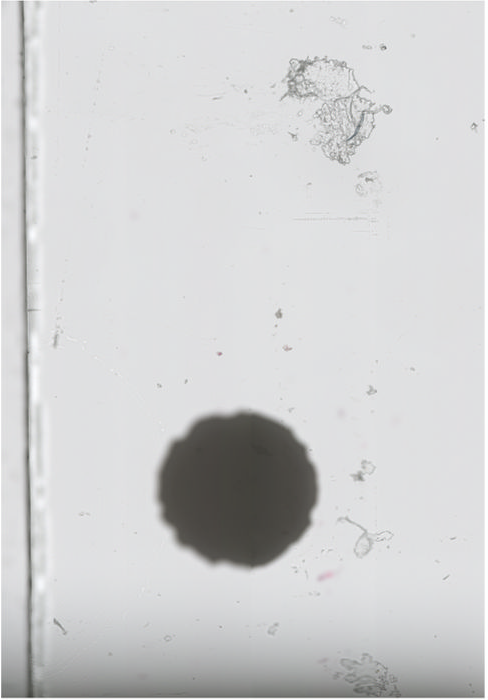
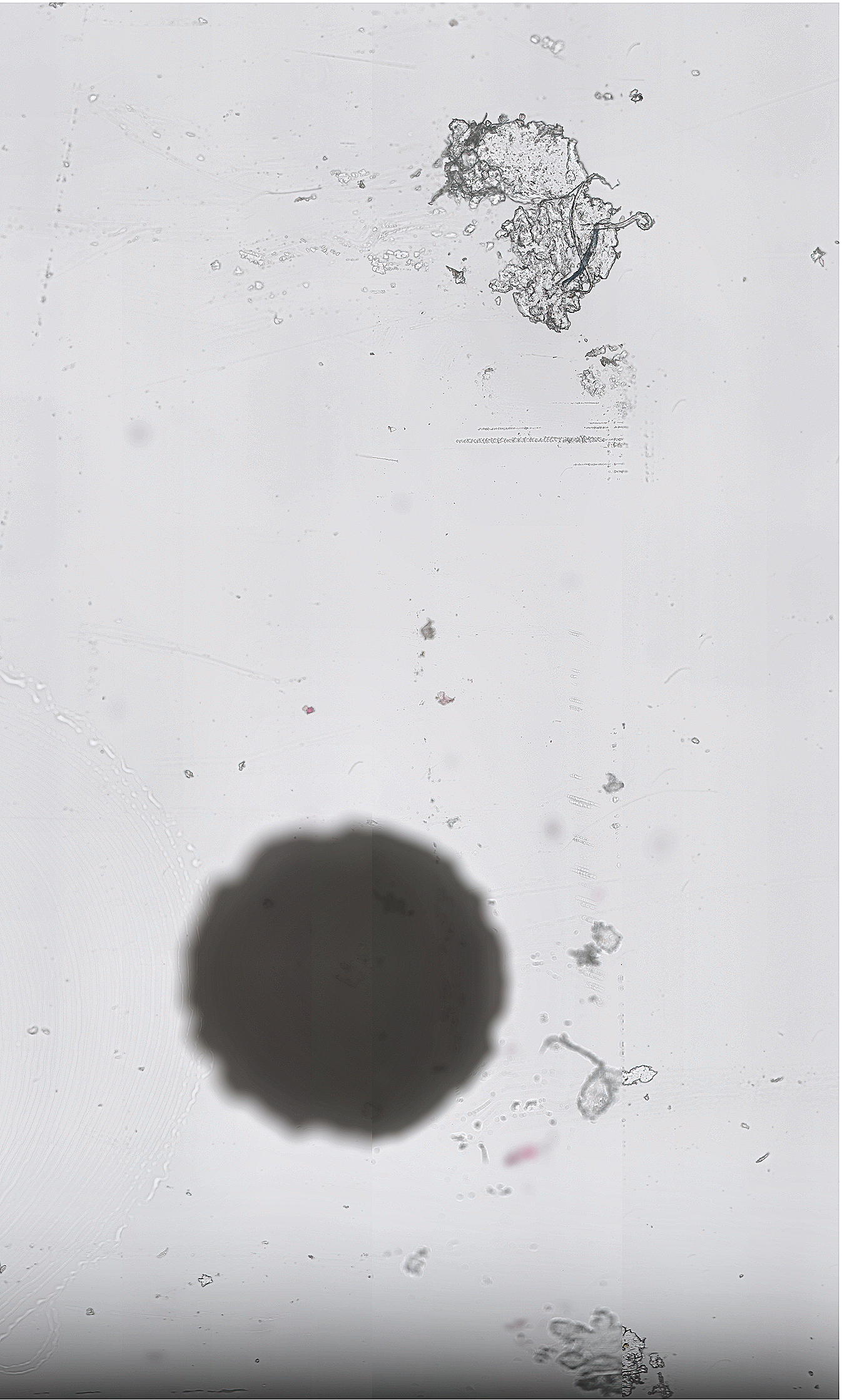

I would like to help test this. Unfortunately though, the code still crashes for me on Linux, so I guess the problem is still there. I'll try to debug it, and I'll try on macOS as well to maybe more closely match your setup.
This is fine for testing of course, but once the offset problems are fixed, is it OK to get rid of this again? I don't really see this is as a good 'definite' solution, and I would really like to avoid adding external dependencies to the core library if at all possible... |
|
Hi @Falcury, yes it still seems to be there, but playing a bit with the cache-size seems to help. MemorySanitizer shows something in the decoding part, which I had yet to figure out. Perhaps refactoring the decoding in the separate substeps (Huffman, bit plane encoding, snake) would be helpful? Would also allow using other libraries for the Huffman decoding to see if we can get any performance gains there. Of course we can replace pixman. The reason I took is is because it’s a dependency of Cairo, which is a dependency of OpenSlide. Pixman also has SSE and NEON implementations, and handeling boundary conditions in interpolation is always a bit tricky. It also allows us to quickly test the different interpolation methods to see if there is any visual difference. How it happens in SlideScape is probably by using OpenGL right? I am not sure if that would benefit us in the random-access case (for viewing likely great) |
I don't expect splitting it into parts will solve the problem, but maybe could help to identify it and profile it. The Huffman encoding scheme is a bit weird with implementation details that are very specific to the Hulsken compression, so I don't think it would be easy to find a drop-in replacement for that part. (I'm not aware of any others that could work here?)
Yeah, for testing it's fine of course!
Yes, the tiles get uploaded as textures on the GPU, and can then be displayed/transformed in any number of ways on the GPU (currently through OpenGL and GLSL shader). However, for each integer zoom level there should still be a 1:1 correspondence with the raw pixels without any interpolation. |
|
Well, I don't get that 1:1 correspondence without interpolating, so I'll need to try something different then. It's kind of strange as the offset for level 0 is non-integer (1534.5). If I somehow round it it gives very minor shifts. Need to try a different offset then. |

src/isyntax_to_tiff.c
Outdated
| TIFFSetField(output_tiff, TIFFTAG_RESOLUTIONUNIT, RESUNIT_CENTIMETER); | ||
| TIFFSetField(output_tiff, TIFFTAG_EXTRASAMPLES, 1, (uint16_t[]) {EXTRASAMPLE_UNASSALPHA}); | ||
|
|
||
| if (level == 0) { |

|
I think the crashing issues in the TIFF converter could be due to out of bounds reading. We should probably add extra bounds checks in various places to catch these. If I set the tile width and height to 256, and call So one possibility is that |
|
Thanks! I thought I addressed that, but I'll check it again (there is a |
|
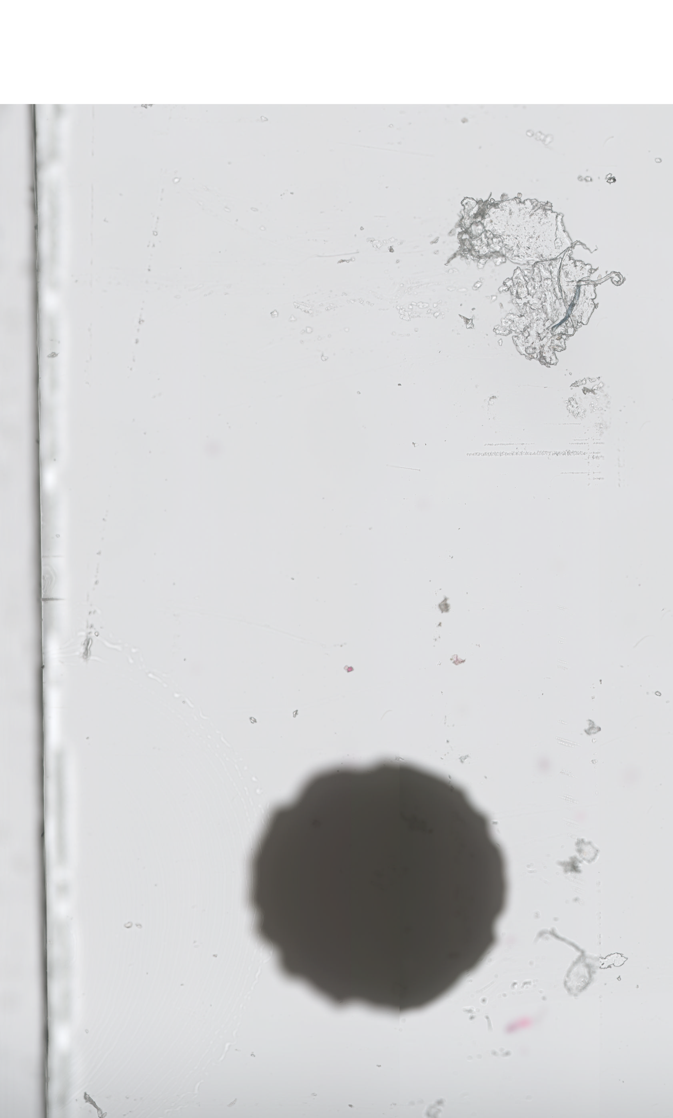
@Falcury I think my offset is correct. I have loaded the same image using the Philips SDK (using OpenPhi), and with the tiff converter. x = 0
y = 69862
osr = openslide.open_slide("SNIP.tiff")
slide = OpenPhi("SNIP.isyntax")
width = 13469
height = 22370
level = 3
region = osr.read_region((x, y), level, (width // 2**(level), height // 2**(level))).resize((width//20, height//20))
data = slide.read_region((x, y), level, (width // 2**(level), height // 2**(level))).resize((width//20, height//20)) This is with OpenPhi (looks like it doesn’t apply the ICC profiles or any sharpening)
This is the converted image:
This is the difference image. Small differences perhaps due to interpolation and the sharpening et al. It's not completely 0 but the difference are small:
Note that the offset is 190.125 in this case. It also looks like they set outside of the region transparency also to maximum (no A=0 as I am doing), see the top border |
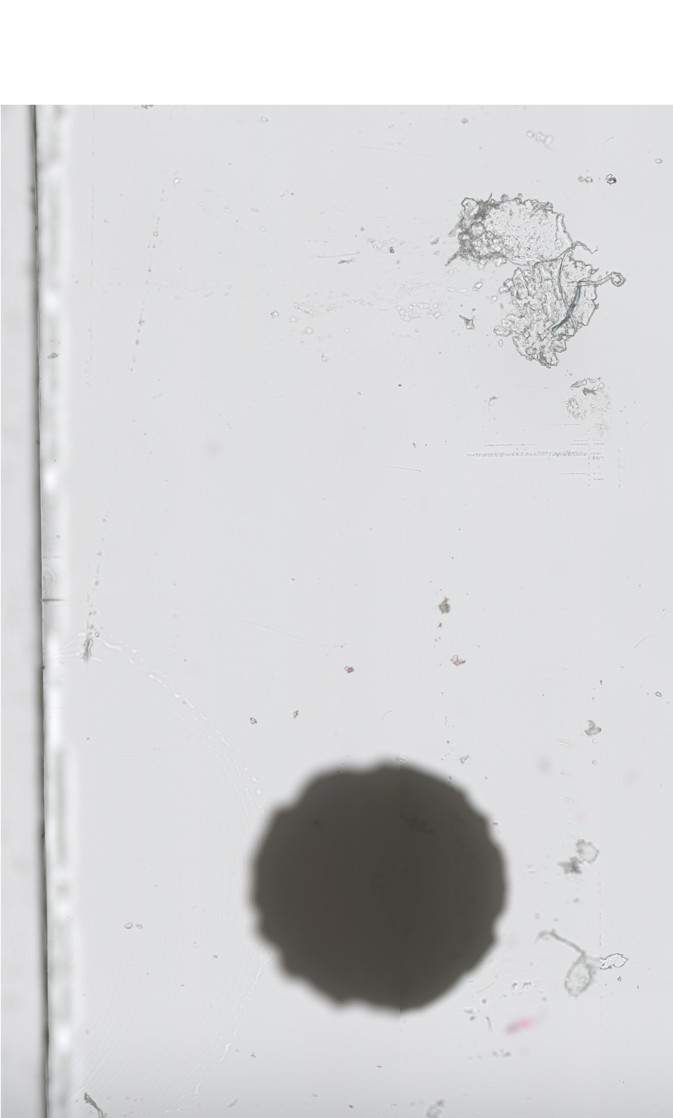
|
Out of bounds reading perhaps could now be fixed by #21, will run memory checks again |
|
@Falcury I've added a few asserts to make sure we don't access any tiles outside the region: Does it crash on an assert for you? |
|
I still see the issue, but it does not appear my code is writing beyond bounds (given the asserts). I'll run Valgrind over night (it takes quite a long time for the error to appear) and see what it comes up with. |
|
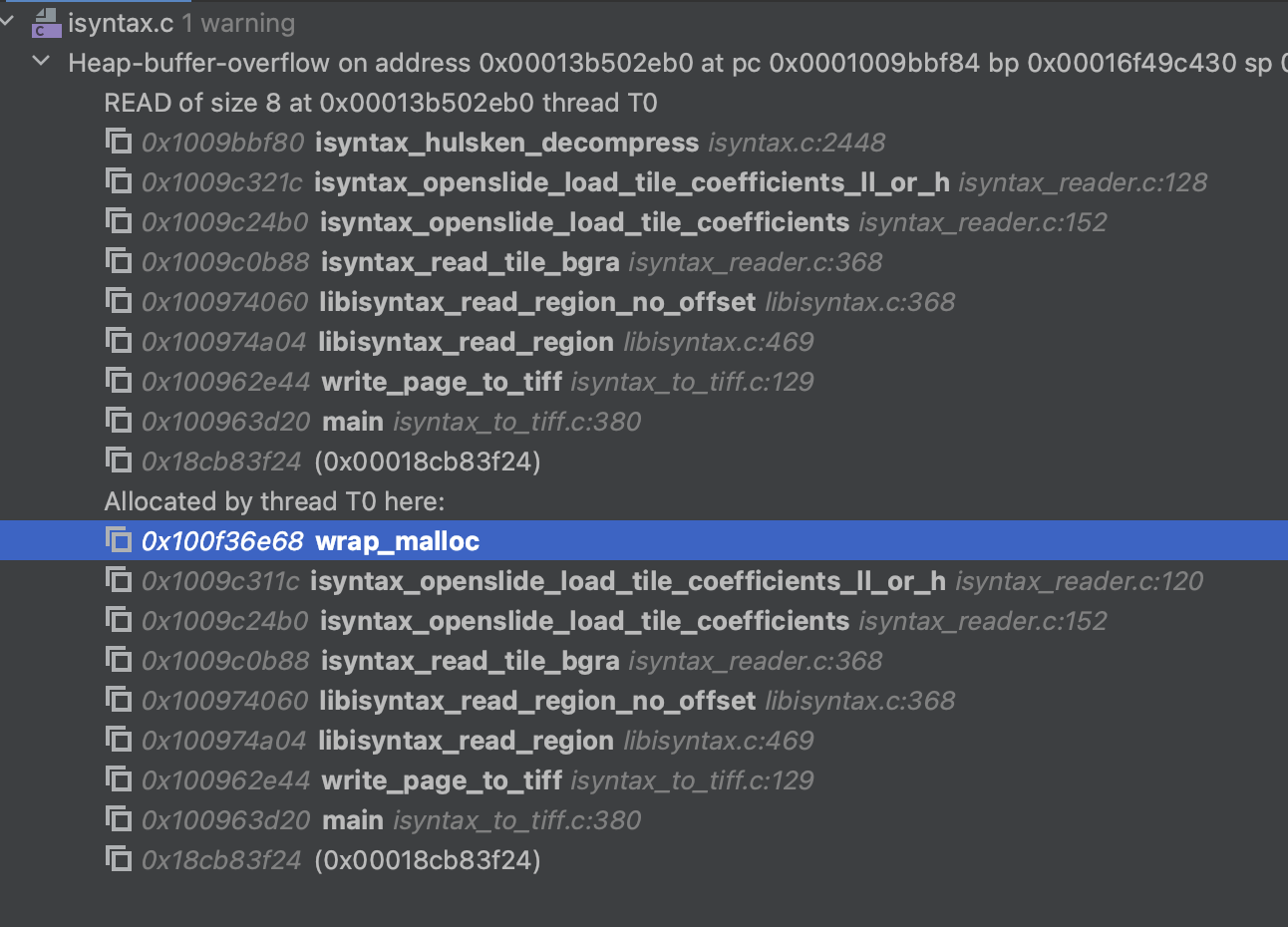
I've tried adding all kinds of asserts to my code to check bounds but still the error is here according to Valgrind?
|
|
Could you try changing this at line 120 in isyntax_openslide_load_tile_coefficients_ll_or_h(): It doesn't fix the leak (?) for me, but maybe could solve that specific heap-buffer overflow error. |
|
@Falcury Yes, fixes this error according to MemorySanitizer! I think I also fixed the memory errors in my code, which I could now only see the previous error immediately occurred. Could you try running it again? I have also made some changes in the CMakeLists to use the memory sanitizer during debug. I believe they are a useful addition. If there are any changes you think are easier to merge and therefore could be a separate PR, let me know. |
|
It no longer crashes for me, and the TIFF converter utility seems to produce correct output. :) Incidentally, the results also look equally good for me with this formula for the offset (without subtracting 1.5f at the end): Edit: scratch that, need to update the formula once I found back the one that worked. I checked some TIFF files converted from iSyntax using the SDK, and they all have shifting offsets. It doesn't work for me in Release builds. We need to put statements outside the assert() statements to make sure they happen while not in Debug mode. Some other observations and questions:
For merging:
|
|
@Falcury yes, the progress indicator is not 100% correct yet, this is one of those fiddly things that take a bit of tickering to get correct. I will fix it. I can try to replace the interpolation, but pixman uses SSE and NEON where possible, it might be they optimized it further. Also, I now select bilinear (which seems to look good) but it has other options as well. Image degradation: not to me, but I’m not a pathologist. Do you have a few images you can inspect? I will rebase to main. Can we merge the height/width computation first? Perhaps you can also create a commit adding in the 7 safety bytes. I also got an explanation for the pixel shift, it’s due to the way they compute the wavelet coefficients, but it likely could have been avoided. If I can figure out how stb_image_resize.h works would that be a good alternative for you? Also you do not really require it in SlideScape do you? If it works, we can profile it. If it ends up being slower we can always use pixman if it is available and otherwise stb_image_resize.h Also when we are actually using interpolation, nothing is stopping us to do interpolation on float levels. You could then e.g write tiffs at arbitrary resolutions |
Done!
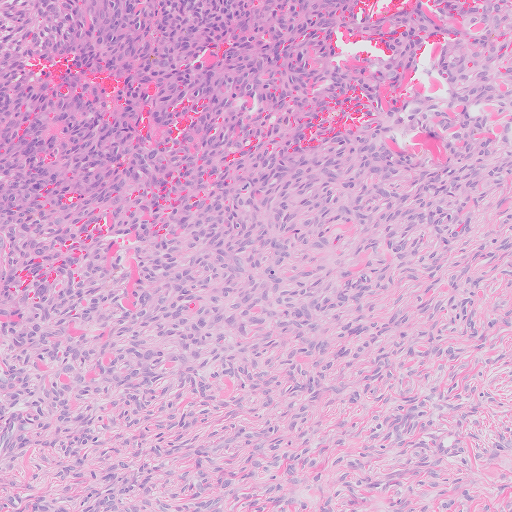
Here is a comparison, image sampled at level 2, without interpolation: To me, the image without interpolation looks much crisper, and the interpolated image looks fuzzy.
True, I think this could be a valid use case. Still, for TIFF conversion specifically, I think the best way to do it is to only reconstruct level 0 (without any interpolation), and then rebuild the pyramid by resampling manually (bicubic should be fine for that, I think?)
For Slidescape, I can do interpolation on the GPU (simply by shifting the coordinates of the tile to the required offset), so there is no need. But yeah, stb_image_resize.h would in principle be acceptable I think. For random sampling of image regions using libisyntax, I am still trying to desperately worm my way out of the necessity, mainly because we have to weigh it against the image degradation. ;) |
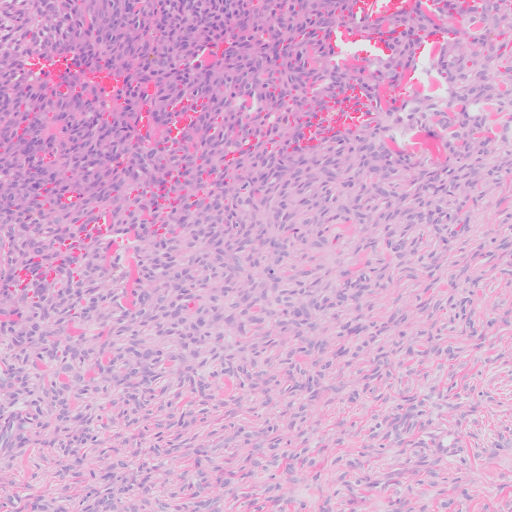
|
There are a bunch of other interpolation methods in pixman, can you look at those if you have the same issue? (E.g. using BEST) To write to tiff based on level 0 has some drawbacks. We would need to handle anti-aliasing ourselves, which is not necessarily very trivial for these images as we’d also need to check against pathologist for quite a range of images I think. Also using it for machine learning can be annoying as we would need to do the same thing during training as inference as we’d now be introducing different artefacts then the original isyntax. That would include a conversion step which I’d rather avoid. Now, we could also figure out what the actual offset is based on the ‘selected mpp’ and apply that and don’t use interpolation (if we only select the levels themselves). That would require to add that to the deep learning pipelines but should be doable. We typically use interpolation as we look at intermediate levels in the pyramid too. that it looks less crisp is probably due to the low-pass filter effect of bilinear interpolation. I don’t think pixman supports higher order interpolation methods, might need to use a different library for that (or indeed write it ourselves) |
|
Fixed the counter. Will rebase the isyntax.c and isyntax_reader.c |
|
@Falcury So https://github.com/nothings/stb/blob/master/stb_image_resize.h supports more interpolation schemes: It also allows you to use your own memory management if I understand it correctly. So this might be a good compromise? Need to implement it so you can check the quality of the images. We have a few options (3,4,5) to try. |
|
I think something did not go right in that last commit?
Sure, I'll try! Edit: PIXMAN_FILTER_BEST looks similar to PIXMAN_FILTER_BILINEAR to me. PIXMAN_FILTER_NEAREST looks best, but that just snaps to the nearest pixel so is an effective no-op.
If I remember correctly from looking at the libvips code, libvips also does a simple bicubic resample in the case of a factor-of-two downsample, without further anti-aliasing I think. But I could be wrong about that. I expect the image quality will end up being better than the interpolation, though. We'd avoid not only the interpolation step, but also artifacts from recompression. What do you mean exactly about the need to check against pathologists?
Well, yes of course, iSyntax and TIFF are different compression schemes so each naturally have their own different artefacts. At some level this cannot be avoided. The common factor is still the underlying uncompressed image - the question is how to best represent that in all the levels with minimal loss in information content. Naturally, downsampling from level 0 is not feasible for quick random access, so I I think I get what you're saying - it's not great for reproducibility of results in case you want to use the formats interchangably between various use case with minimal differences between them. But in that case I would also consider to use the 'least worst' whole number offsets, without interpolation (my thinking being: quality of the input image data will be most important in affecting any ML result, relative to subpixel offset differences which may be negligible for most ML workloads). At least, interpolation should be an opt-in feature, not the default, I think. That said, sure, I can live with it :)
True, but then it's sampled from the original pixels (so it's one less potentially information-losing step).
Also, probably some degree of information loss is unavoidable, we cannot sample from in-between pixels that are not there.
Sounds good to me! |
|
With checking against pathologists: these interpolation schemes are not necessarily the best for medical images or histopathology images, there are different approaches you can try as well. So you'd need a small test to see what is qualitatively better. I don't think that a level-of-two downsample really matters for aliasing, it's all very dependent on the frequency content in the image, and those are quite specific for the domain you're in. For natural images it might still look fine in bicubic interpolation, but perhaps you would have much sharper edges in histopathology images? (I don't know). So that's not necessarily the best option either. Wavelet decompositions are (slightly) less prone to aliasing, but it is still there. We could also take an integer shift, and compute the actual shift when we have annotations. I've tried figuring out in stb_image_resize.h if there is a 'float' interpolation. Doesn't seem to be, but perhaps we can modify it a bit. The offset I see when you have -1.5 pixels seems to be quite a bit more over the levels, and if you do cell detection, I've noticed that at some levels my annotation actually drifts away from the lymphocyte. My main rationale for interpolation instead of doing this through libvips would be this, even though it might be possible that indeed we get new artefacts from recompressing:
|
|
I did a small test comparing the offsets between levels in the Philips IMS-exported TIFF files vs. TIFF files converted by the SDK. For the SDK the offsets shift wildly, I guess the offset is not corrected for. For the TIFF files converted by IMS, the offsets still shift a bit, but roughly seem to correspond to:
This might be the 'least worst' option that Philips themselves arrived at for their TIFF conversion method. Between levels the shift amounts to 0,5-1 pixels each time. It's also visually very close to your own formula if you don't do the interpolation. |
|
Great, thanks for your research! I think they could have fixed it by properly padding the tiles (I think cyclic padding works) before conversion. That shouldn’t give any shifts. That said, I do think the interpolation is needed for reasons mentioned but perhaps we can also address that by finding the offset on top of the one you define here and shift the annotation by that offset. |
|
For the converted TIFF files, I notice that libjpeg-turbo is throwing warnings when decoding the JPEG streams: Apparently it's expecting 3 color components for PHOTOMETRIC_RGB, but getting 4. Not sure what's going on exactly. |
|
I have seen that as well. If I read the tiff standard correctly I think what I did is correct (?) how are you using turbojpeg? |
|
@Falcury I've tried to implement my own Mitchell-Netravali filtering, which is probably a good choice for images such as these. However, it's like 20x slower than pixman. I think it will be hard to avoid to pull in a dependency like that, unless we spent a lot of time on this all. // Constants for the Mitchell-Netravali filter
const double B = 1.0 / 3.0;
const double C = 1.0 / 3.0;
double mitchell_weight(double x) {
const double P0 = (1.0 / 6.0) * ((12.0 - 9.0 * B - 6.0 * C) * fabs(pow(x, 3)) + (-18.0 + 12.0 * B + 6.0 * C) * pow(x, 2) + (6.0 - 2.0 * B));
const double P2 = (1.0 / 6.0) * ((-B - 6.0 * C) * fabs(pow(x, 3)) + (6.0 * B + 30.0 * C) * pow(x, 2) + (-12.0 * B - 48.0 * C) * x + 8.0 * B + 24 * C);
if (fabs(x) < 1.0) {
return P0;
} else if (fabs(x) < 2.0) {
return P2;
} else {
return 0;
}
}
void crop_image(uint32_t *src, uint32_t *dst, int src_width, int src_height, float x, float y, float crop_width, float crop_height, int output_width, int output_height) {
for (int j = 0; j < output_height; j++) {
for (int i = 0; i < output_width; i++) {
double u = (double)(i * crop_width) / (double)output_width + x;
double v = (double)(j * crop_height) / (double)output_height + y;
double r = 0, g = 0, b = 0, a = 0;
for (int m = -2; m <= 2; m++) {
for (int n = -2; n <= 2; n++) {
int src_x = (int)(u + n);
int src_y = (int)(v + m);
if (src_x >= 0 && src_x < src_width && src_y >= 0 && src_y < src_height) {
uint32_t pixel = src[src_y * src_width + src_x];
uint8_t src_r = (pixel >> 24) & 0xff;
uint8_t src_g = (pixel >> 16) & 0xff;
uint8_t src_b = (pixel >> 8) & 0xff;
uint8_t src_a = pixel & 0xff;
double weight = mitchell_weight(u - src_x) * mitchell_weight(v - src_y);
r += src_r * weight;
g += src_g * weight;
b += src_b * weight;
a += src_a * weight;
}
}
}
uint8_t dst_r = (uint8_t)round(fmin(fmax(r, 0.0), 255.0));
uint8_t dst_g = (uint8_t)round(fmin(fmax(g, 0.0), 255.0));
uint8_t dst_b = (uint8_t)round(fmin(fmax(b, 0.0), 255.0));
uint8_t dst_a = (uint8_t)round(fmin(fmax(a, 0.0), 255.0));
uint32_t dst_pixel = (dst_r << 24) | (dst_g << 16) | (dst_b << 8) | dst_a;
dst[j * output_width + i] = dst_pixel;
}
}
}Should be something like this. Likely the inner loop can be replaced by SIMD and the outer loops multithreaded, but that would require quite a bit of optimizations to find. |
I'm opening the file in Slidescape (which embeds the libjpeg-turbo code). Maybe in my TIFF interpreter, I am not dealing with the TIFFTAG_EXTRASAMPLES correctly. But I'm also not sure what libjpeg(-turbo) would expect here, if I try to set another color space than JCS_RGB it will throw an error complaining that the color conversion is not supported. I wonder how libtiff handles this. |
For the default I'd like to match the way Philips IMS apparently exports TIFFs: no interpolation, using the 'least worst' integer shifts. I think pulling in pixman is acceptable if it's unavoidable for your use case, as long as it's an optional dependency and not linked by default. I'll try the Mitchell-Netravali filtering! I don't think this is available as a filter in pixman, though? (or is that PIXMAN_FILTER_BEST?) I am still quite pessimistic that any interpolation technique that doesn't have access to lower-level pixels would be able to match the original image quality, though. I think ML performance on both training and inference is bound to suffer due to the information loss / blurry images, making the trade-off not worth it. Have you considered resampling from (level - 1) for the random access use case? This would of course also incur a performance penalty, but may be worth it if you want the best of all worlds. |
|
I think the approach resampling from (level - 1) might be a good option, indeed! But the shift is still there (but we could do that both in one go). If you want the default behavior of the Philips IMS export, then how would you want to do this with openslide? We can define how to calculate the shift; that might be an alright compromise. Mitchell-Netravali is not available in pixman, only bilinear and as you show above it's not a proper choice for these types of images, so we need to replace it with something different. I can try to figure out how stb_image_resize does it, as it's quite slow. I'm trying to precompute the weights now, but it still is 3x slower than pixman bilinear. |
|
@Falcury I've annotated testimage.isyntax in SlideScore, and I also see the pixel shift happening there across levels, so likely they do not use any interpolation either. Let's see if the formula you mentioned above without interpolation makes this reproducible. |
|
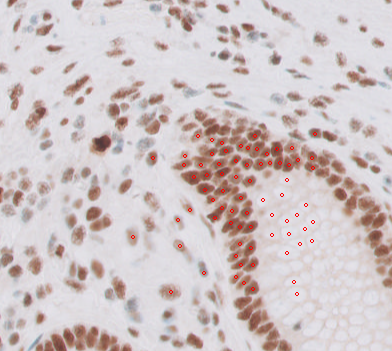
Here you have a bunch of cells annotated:
You can open them with These are two boxes:
This is what they look like (using Philips SDK in SlideScore):
And Slightly worrying is that SlideScore has an offset of +1024 for this image, and +2048 for another one while they are directly reading from the SDK. I believe that's another offset we need to find somewhere. These points are corrected for that offset. Here I use the Philips SDK (
Code: from PIL import Image, ImageDraw
coords, size = w[1]
x = coords[0]
y = coords[1]
slide = OpenPhi("testslide.isyntax")
width = size[0]*2
height = size[1]*2
level = 1
cells = [(a-x, b-y) for a, b in z]
data = slide.read_region((x, y), level, (width // 2**(level), height // 2**(level)))
draw = ImageDraw.Draw(data)
radius = 3
for cell in cells:
xx, yy = cell
xx /= 2**level
yy /= 2**level
draw.ellipse((xx-radius, yy-radius, xx+radius, yy+radius), outline=(255, 0, 0))
dataWill report back when I've converted the image using the above (integer) offset. |
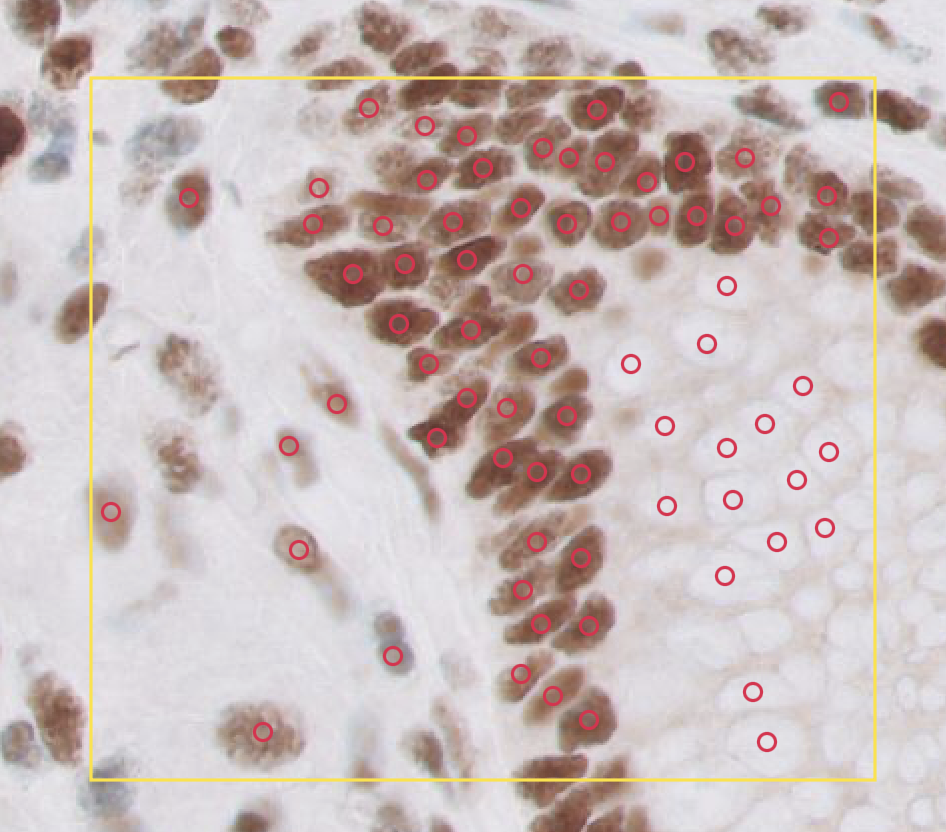
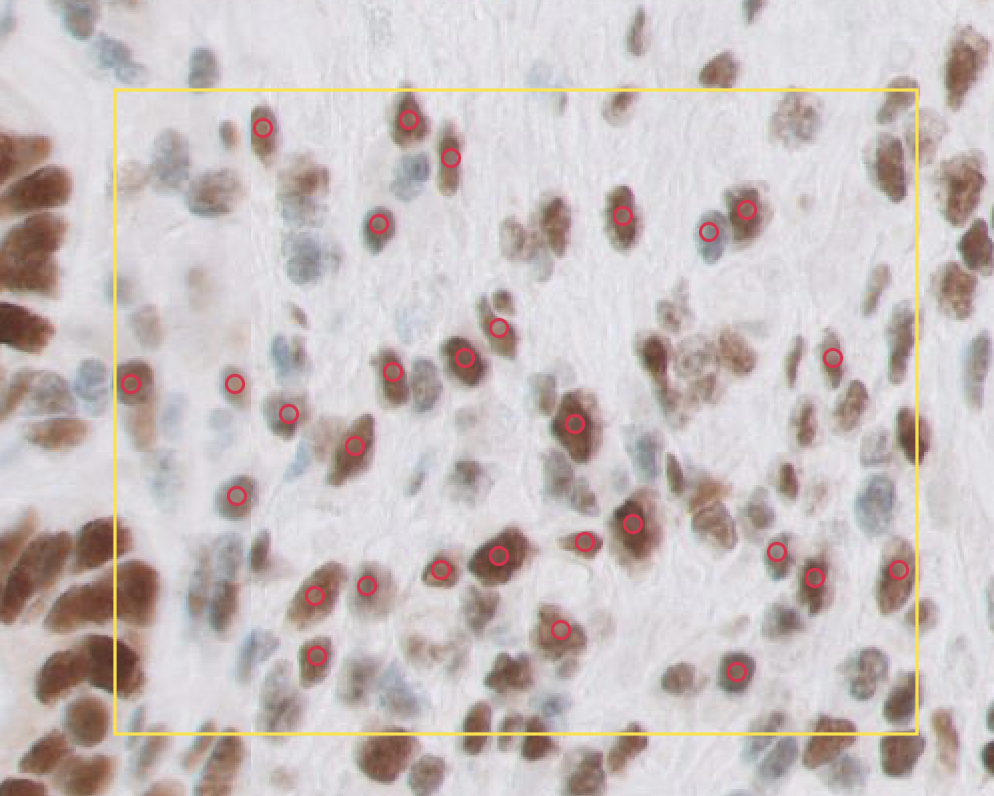
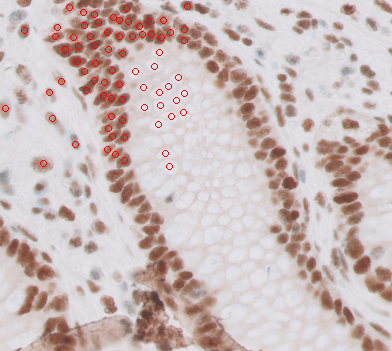
|
Initial findings: using the offset above gives a mismatch between SDK and tiff conversion, but it is indeed nearly constant. It required +128 (2**7) to end up like this:
This makes me believe the offset is this: |
|
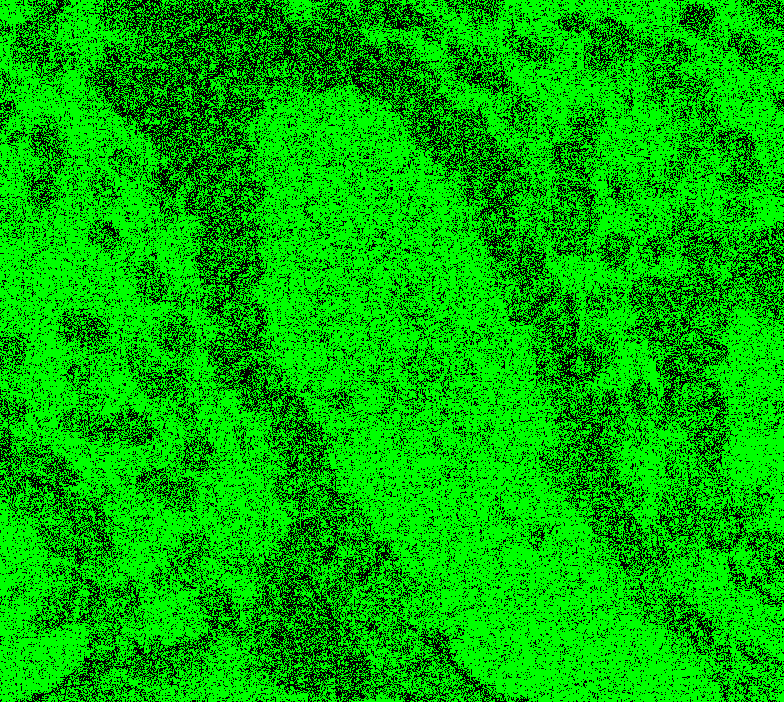
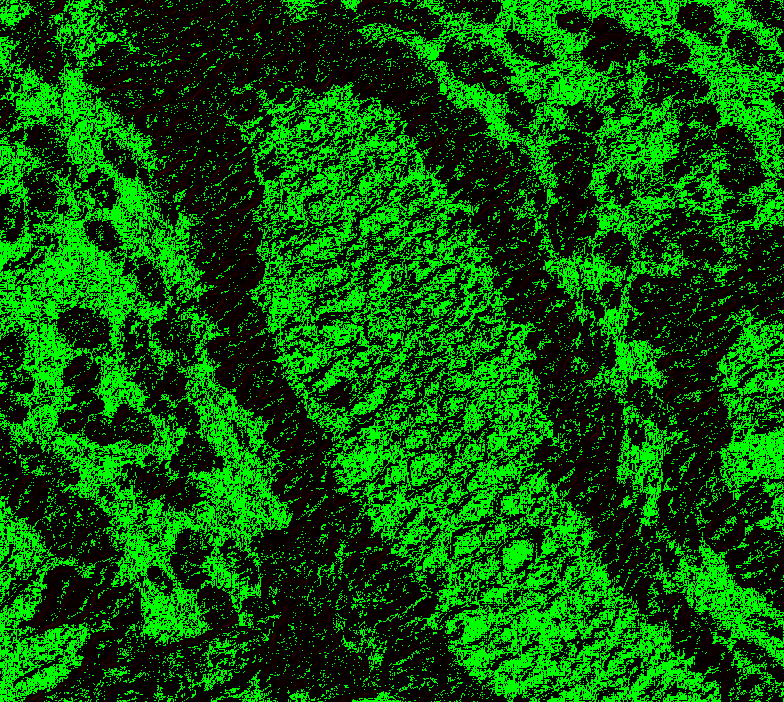
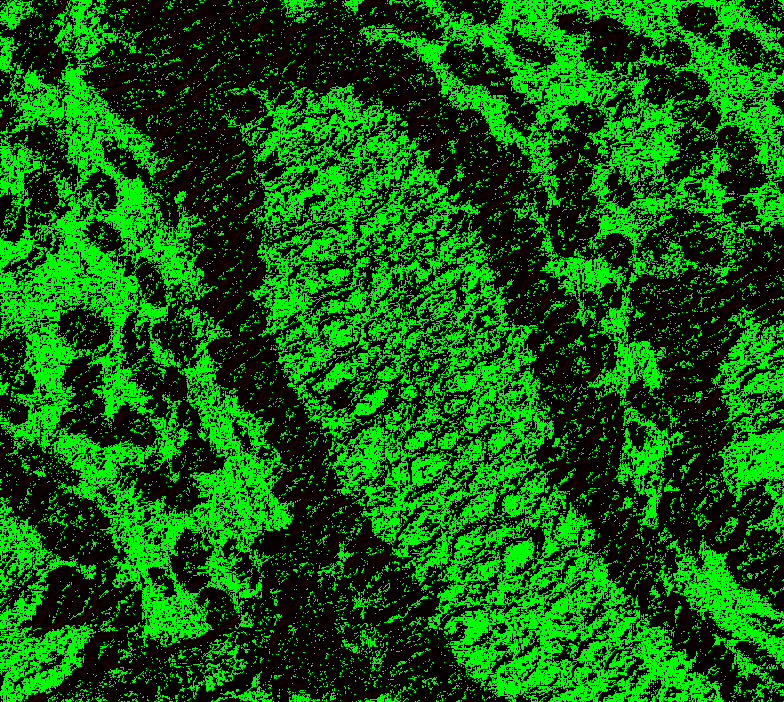
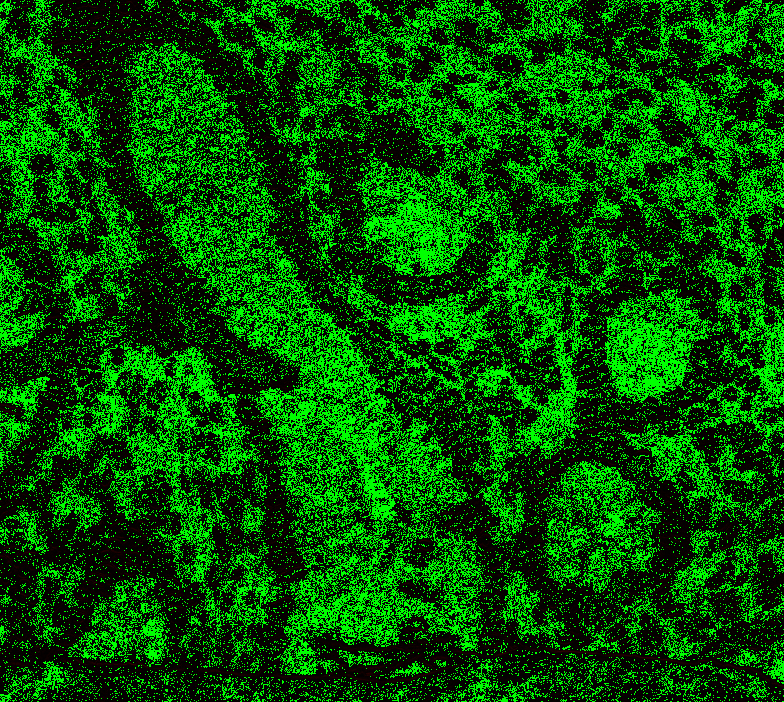
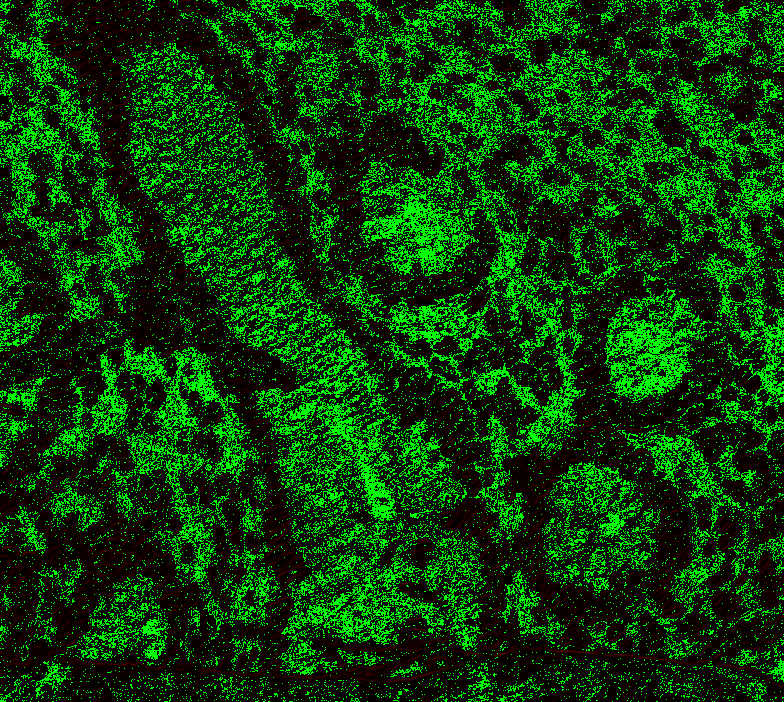
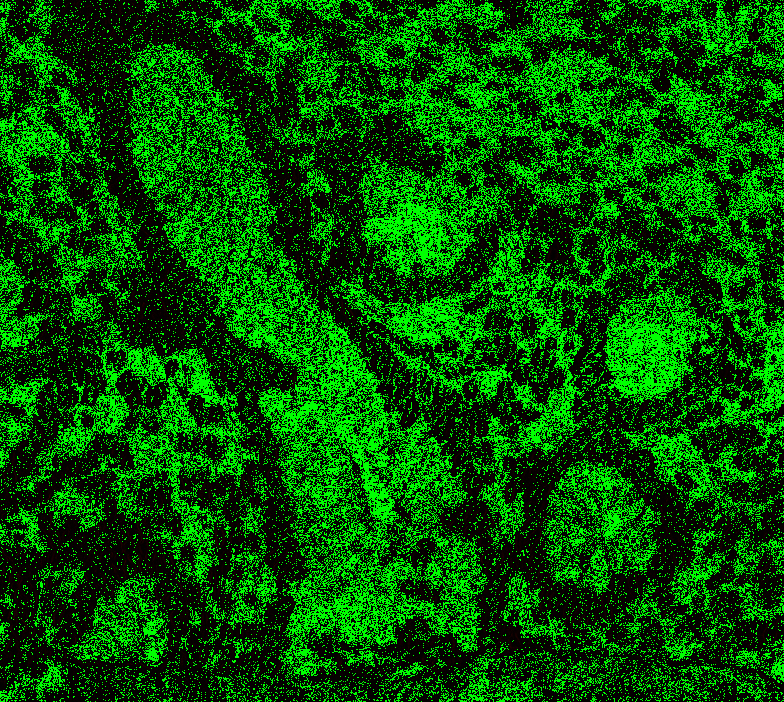
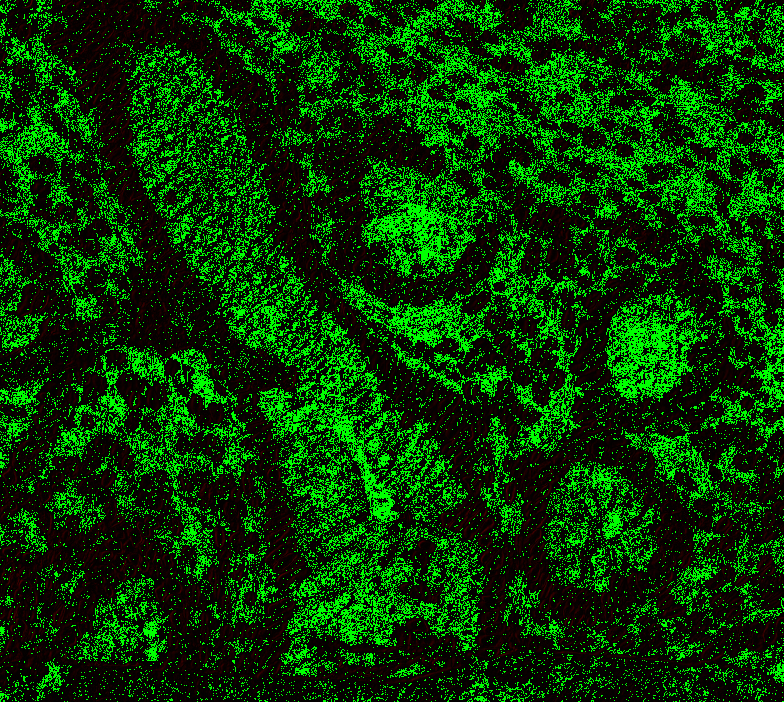
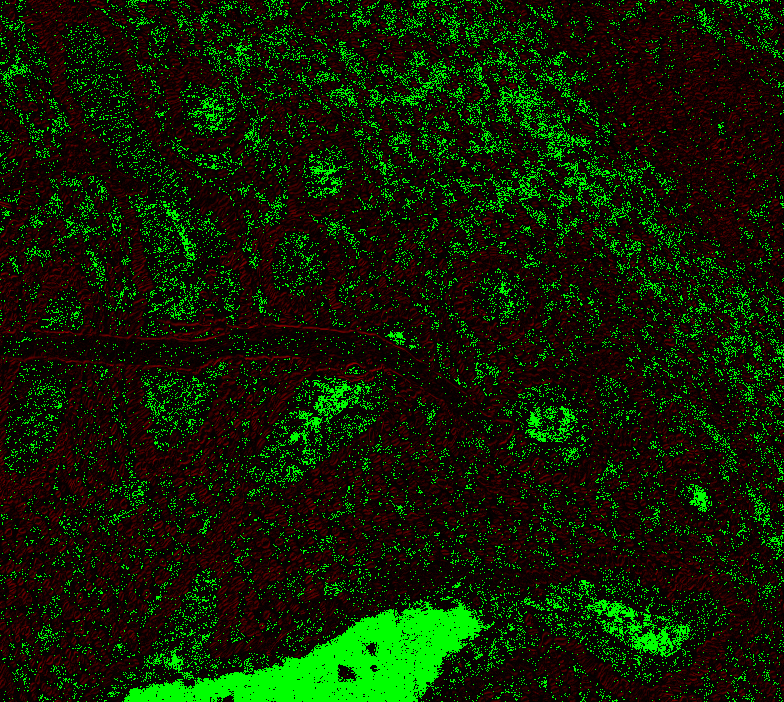
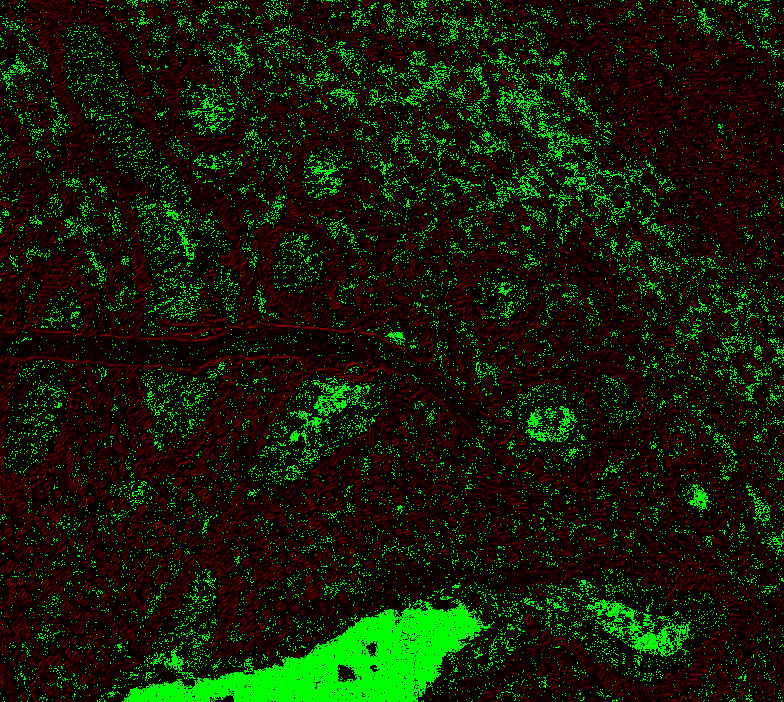
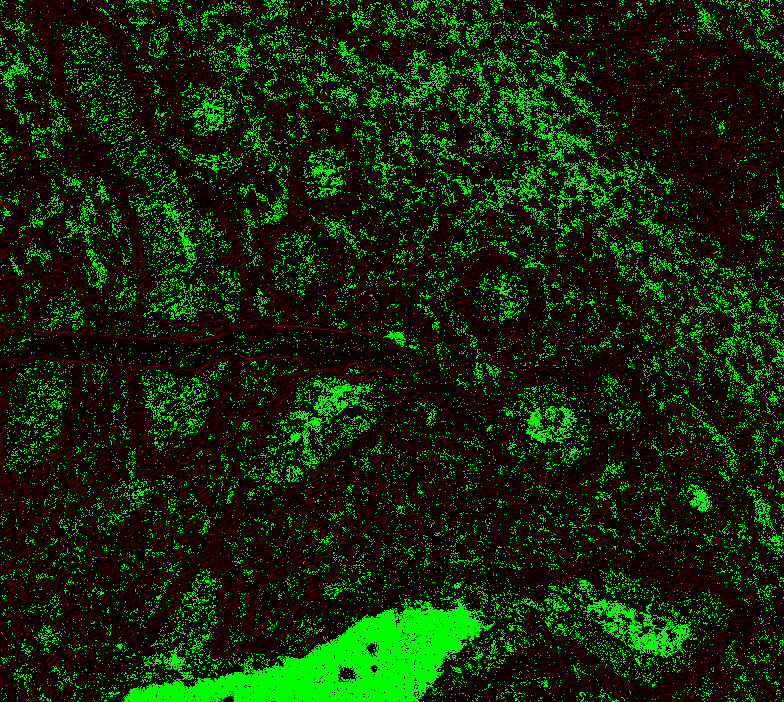
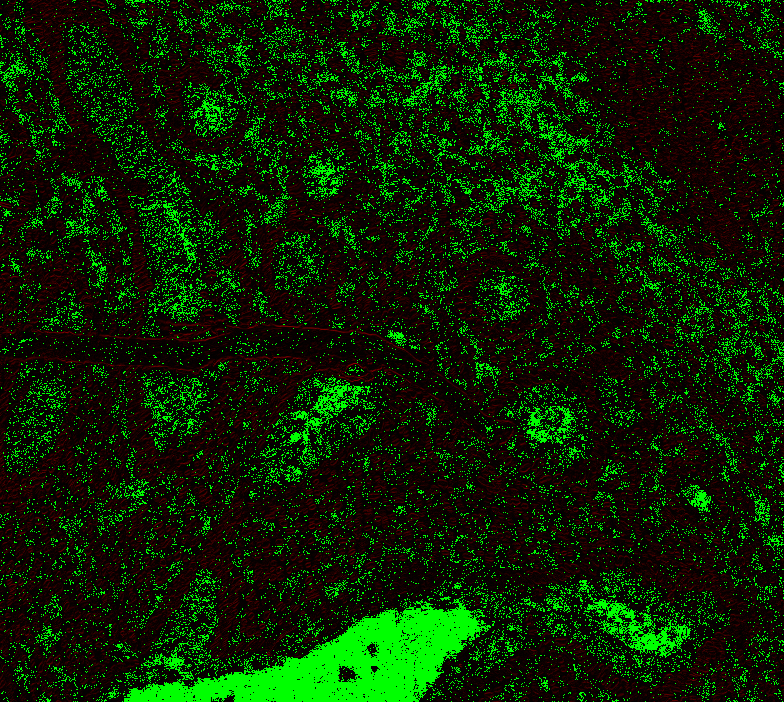
I am attempting to visualize the difference. This is a box: def color_intensity(pixel1, pixel2):
return int(sum(abs(p1 - p2) for p1, p2 in zip(pixel1, pixel2)) / 3)
def show_pixel_difference(image1, image2, highlight_color=(255, 0, 0)):
if image1.size != image2.size:
raise ValueError("Images must have the same dimensions.")
diff_image = Image.new("RGB", image1.size)
image1_rgb = image1.convert("RGB")
image2_rgb = image2.convert("RGB")
# Iterate through the pixels and highlight differences
for y in range(image1.size[1]):
for x in range(image1.size[0]):
pixel1 = image1_rgb.getpixel((x, y))
pixel2 = image2_rgb.getpixel((x, y))
if np.abs(pixel1[0]-pixel2[0]) + np.abs(pixel1[1]-pixel2[1]) >= 3:
intensity = color_intensity(pixel1, pixel2)
diff_image.putpixel((x, y), (intensity, 0, 0))
else:
diff_image.putpixel((x, y), (0, 255, 0))
return diff_imageLevel 0, box 1 (see above), offset 0: Level 0, offset 1: Level 0 offset -1 Level 1, offset 0
Level 1, offset 1 Level 1, offset -1 Level 1, offset -2 Level 2, offset 0 (mean diff: 92.67) Level 2, offset 1 (93.63) Level 2, offset -1 (mean diff: 92.03) Level 2, offset -2 (mean diff: 92.64) Level 3, offset 0 (mean diff: 91.02) Level 3, offset 1 (mean diff: 90.95) Level 3, offset -1 (mean diff: 91.82) Level 4, offset 0 (mean diff: 84.64) Level 4, offset 1 (mean diff: 84.72) Level 4, offset -1 (mean diff: 85.) Level 5, onwards has too large. |
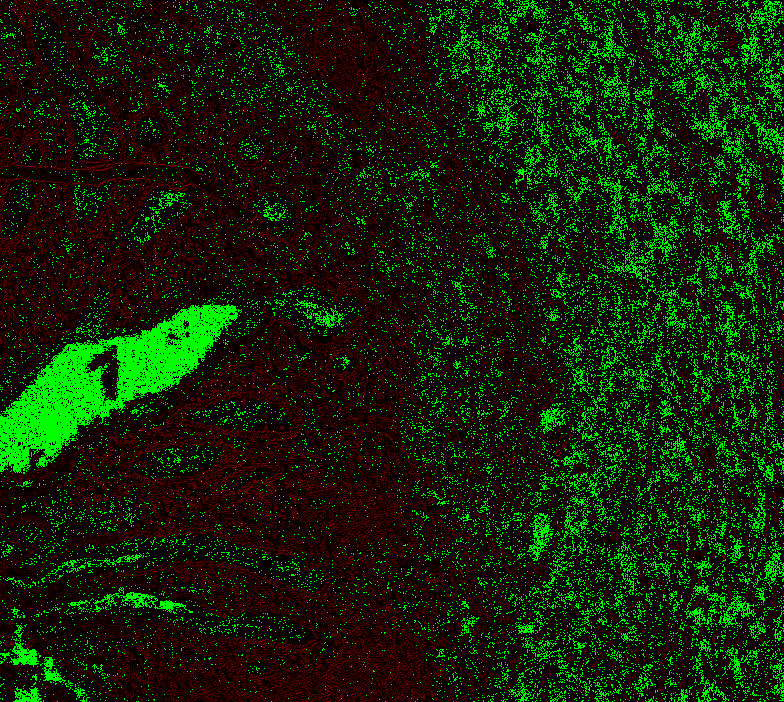
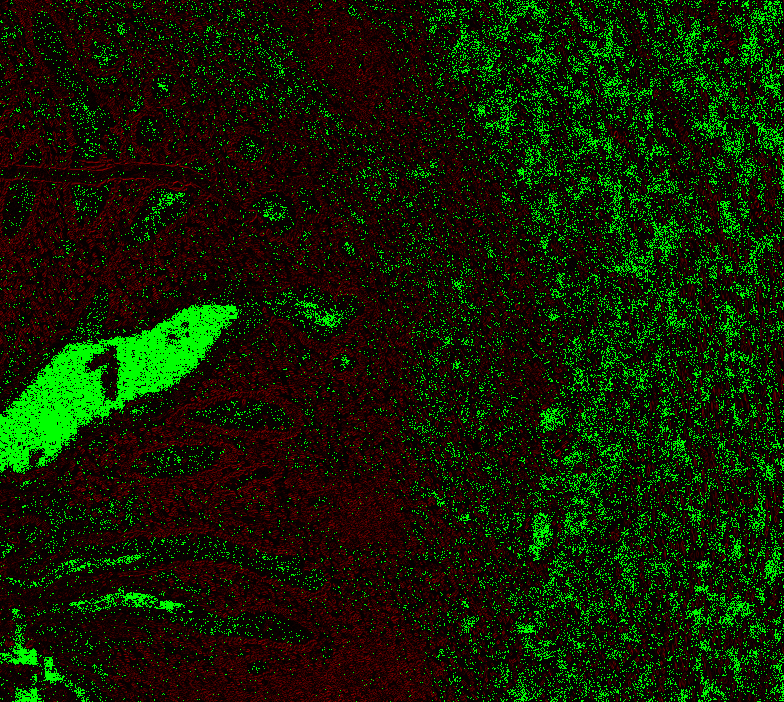
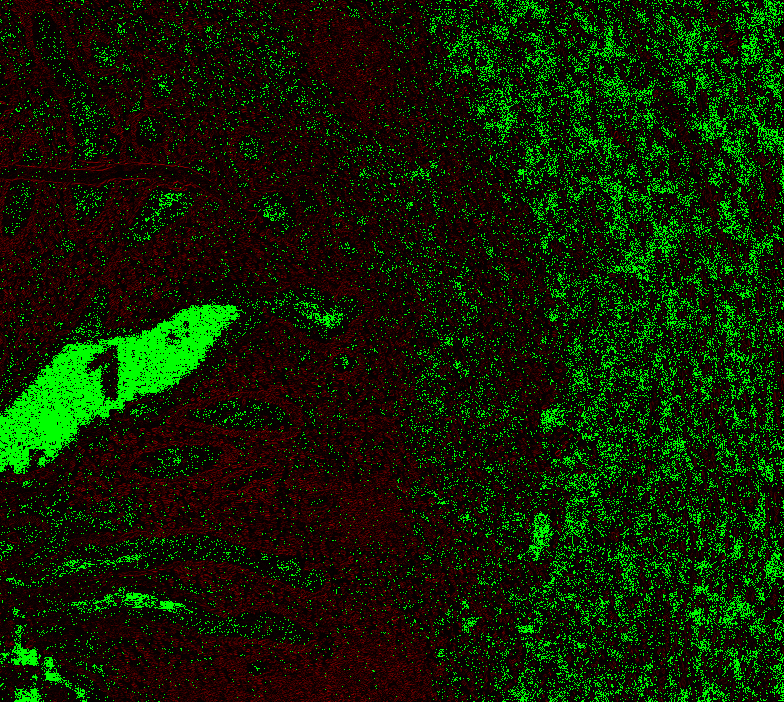
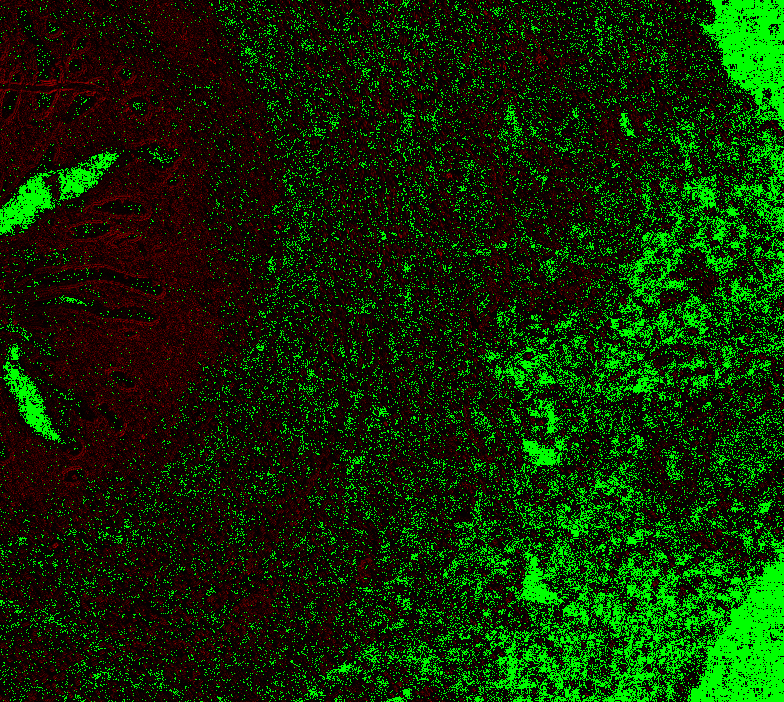
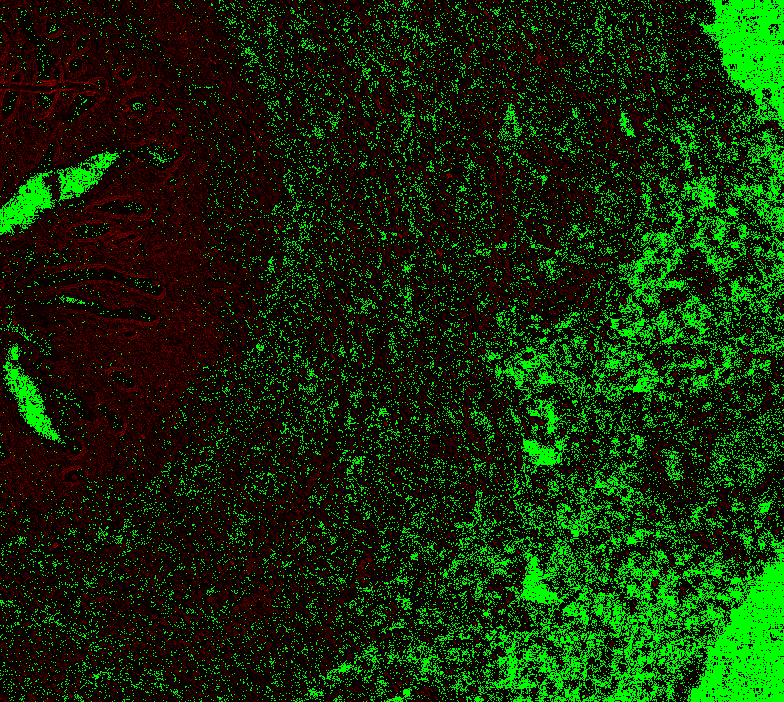
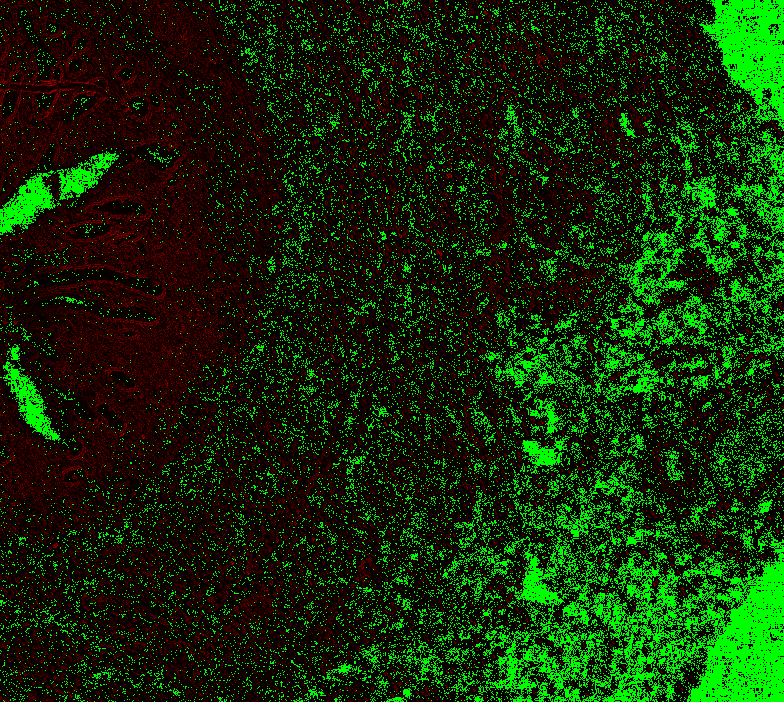
|
@Falcury @alex-virodov From the above I would like to conclude that the offset is this:
I implemented this, and removed the dreaded pixman. If we can now find the proper offsets I can adjust my code as well to implement shifts in annotations across levels. If would be interested to see what the float addition is to keep it 1-1 in SlideScape. Would it be possible to implement an offset in the debug window @Falcury? Please let me know what you require before this PR can be merged. I squashed everything. |

 jonasteuwen
force-pushed
the
add-read-region
branch
from
jonasteuwen
force-pushed
the
add-read-region
branch
from
939c04b to
4472c11
Compare
|
Thanks! I think the best would be to merge now and then fix any remaining issues. I'll rebase/fix the merge conflicts. Some questions that I still have:
Edit: I think I may have finally figured this out, see other comment below!
I am unsure how to interpret the images. Thanks for the annotations. Unfortunately I don't have the Philips SDK up and running in an easy way at the moment. I think instead I'll try to annotate an IMS-converted TIFF and try to match that back with the corresponding iSyntax. Why is this needed in CMakeLists.txt? Doesn't seem required for me. Why Debug by default? I am thinking for the average user, if they download the code from GitHub they will want an optimized build. You can easily override by passing -DCMAKE_BUILD_TYPE=Debug to CMake. |
|
I think I finally figured out what is happening with the offsets, at least in the iSyntax files (not sure about the extra power-of-two offsets you mentioned). Let me know if you think the below code is correct. |
|
Rebased and merged: 7972197 |
@jonasteuwen Done, hopefully this is what you had in mind: amspath/slidescape@5639921 Screenshot: |
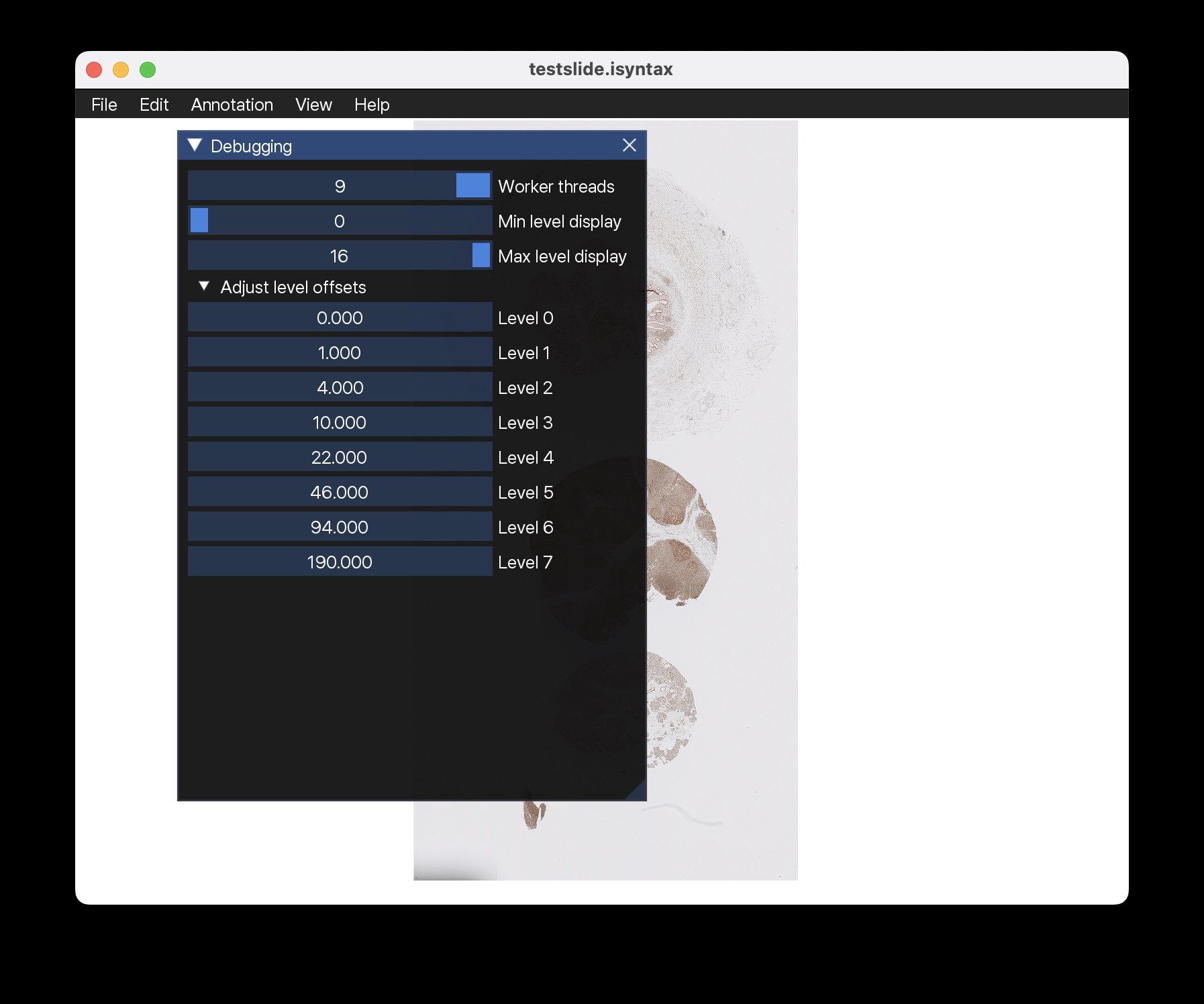
|
Wow, @Falcury looks good! Yes, this way, we can try to see the offsets. I will check the merged code and compare with my previous setup to see if it's still matching nicely. You would need to apply the offset Phase plot might be interesting to see the difference. Here green = pixel matches within ~1.5 diff and red mismatch. |
|
Thanks! If you're interested, I recently added phase correlation code to Slidescape for doing image registration:
I think that might be because the number of memory allocations got reduced by a lot after the recent API change by @alex-virodov. Now we can pass in our own buffer instead, which we only need to allocate once and then re-use. Also, the BGRA->RGBA conversion is no longer needed, we are now decoding the iSyntax directly as RGBA. |
|
@Falcury A conversion around a minute is totally fine! So basically if I run your code, and then do:
I can try that. I've tried doing that, but it the 0.25 seems fine, but the 0.0 is not. This seems slightly better: |
|
@jonasteuwen Hmm, then maybe the last part should be + instead of -? I could have made a mistake there. I don't really have a super thorough way to test it... I thought I had it this time ;) |
|
Right, but 1533 should be the default offset now (that’s what matches with SDK), so the addition should be very small. 0.25 for the first layer seems correct. What I do is convert the images to tiff and then fill in the small values in your new debug window |
@jonasteuwen The offsets in the debug window are in terms of pixels at the base level, so you would have to multiply them with the downsampling factor again. For some reason, now the 0.25 is gone again. But the rest of the levels seem to look good. |
|
@Falcury Can you give the full code please? The above seems to work to stabilize the image (more or less, not completely). How I test it is this: isyntax-to-tiff: check if it matches level 0 in Philips SDK (answer yes). Then I go and see with your debug tool if the offsets indeed make the image stable. But we would like to know the actual offset so we can offset annotations (or have a better viewer). Maybe we can just use the difference of the interpolation formula I used previously and the current setting. |
|
@jonasteuwen Here is the full code: PER_LEVEL_PADDING = 3
def get_padding_downscaled(level, num_levels):
offset = ((PER_LEVEL_PADDING << num_levels) - PER_LEVEL_PADDING) >> level
return offset
def get_padding_downscaled_no_floor(level, num_levels):
offset = ((PER_LEVEL_PADDING << num_levels) - PER_LEVEL_PADDING) / 2**level
return offset
def get_offset(level, num_levels):
# The base image (level 0) has padding pixels added around it.
# The formula determining the offset of the actual image is given by:
# ((PER_LEVEL_PADDING << num_levels) - PER_LEVEL_PADDING)
# For 9 levels (maxscale == 8) this is 1533 pixels.
# For 8 levels (maxscale == 7) this is 765 pixels.
padding_offset = (PER_LEVEL_PADDING << num_levels) - PER_LEVEL_PADDING
# After applying the DWT to get levels > 0, the pixels need to be visually shifted to the
# bottom right in order to line up neatly with the lower level.
# The amount for this visual shift is given by:
if level == 0:
visual_shift_in_terms_of_base_pixels = 0
else:
visual_shift_in_terms_of_base_pixels = (PER_LEVEL_PADDING << (level - 1)) - (PER_LEVEL_PADDING - 1)
# For 9 levels this is: [0, 1, 4, 10, 22, 46, 94, 190, 382]
# Note that for levels > 0, there will also be wavelet coefficients ending up 'beyond'
# the top-left corner of the image into the padding area, as a kind of ringing artefact.
# As a result, the 'first valid pixel' actually shifts to the top left for levels > 0
# and does NOT correspond to the visual shift, which goes to the bottom right.
# This can be seen e.g. when zooming in very far on top left of the topmost layer.
# To shift each level so that they neatly line up with level 0, they need to be shifted
# RELATIVE to the level 0 padding by the following amount:
visual_shift_in_terms_of_level_pixels = visual_shift_in_terms_of_base_pixels / (1 << level)
# For 9 levels: [0.0, 0.5, 1.0, 1.25, 1.375, 1.4375, 1.46875, 1.484375, 1.4921875]
# Note that this offset seems to asymptotically approach 1.5 pixels.
# Taking the above into account, to get the images of all levels to visually line up,
# you would have to sample each layer at the following (subpixel) offset:
effective_offset = (padding_offset - visual_shift_in_terms_of_base_pixels) / (1 << level)
# For 9 levels: [1533.0, 766.0, 382.25, 190.375, 94.4375, 46.46875, 22.484375, 10.4921875, 4.49609375]
# For 8 levels: [765.0, 382.0, 190.25, 94.375, 46.4375, 22.46875, 10.484375, 4.4921875]
# For 7 levels: [381.0, 190.0, 94.25, 46.375, 22.4375, 10.46875, 4.484375]
return effective_offset
num_levels = 9
offsets = [0] * num_levels
offsets2 = [0] * num_levels
offsets3 = [0] * num_levels
for i in range(num_levels):
offsets[i] = get_offset(i, num_levels)
offsets2[i] = get_padding_downscaled_no_floor(i, num_levels)
offsets3[i] = get_padding_downscaled(i, num_levels)
print(offsets)
print(offsets2)
print(offsets3)
padding_offset = (PER_LEVEL_PADDING << num_levels) - PER_LEVEL_PADDING # 1533 for num_levels == 9
# Difference between the calculations in terms of pixels for each individual level
# (assuming we are doing interpolation)
print([((padding_offset / 2**idx) - _) for idx, _ in enumerate(offsets)])
# Difference between the calculations in terms of pixels for each individual level
# int() because we are currently snapping to whole numbers for TIFF conversion, without interpolation
print([(int(padding_offset / 2**idx) - _) for idx, _ in enumerate(offsets)])
# Difference expressed as pixels at the base level (multiply by downsampling factor again)
print([(int(padding_offset / 2**idx) - _) * 2**(idx) for idx, _ in enumerate(offsets)])Edit: adding 0.5 everywhere seems to remove a remaining instability between levels 0 and 1 (I don't know why this works, though). |
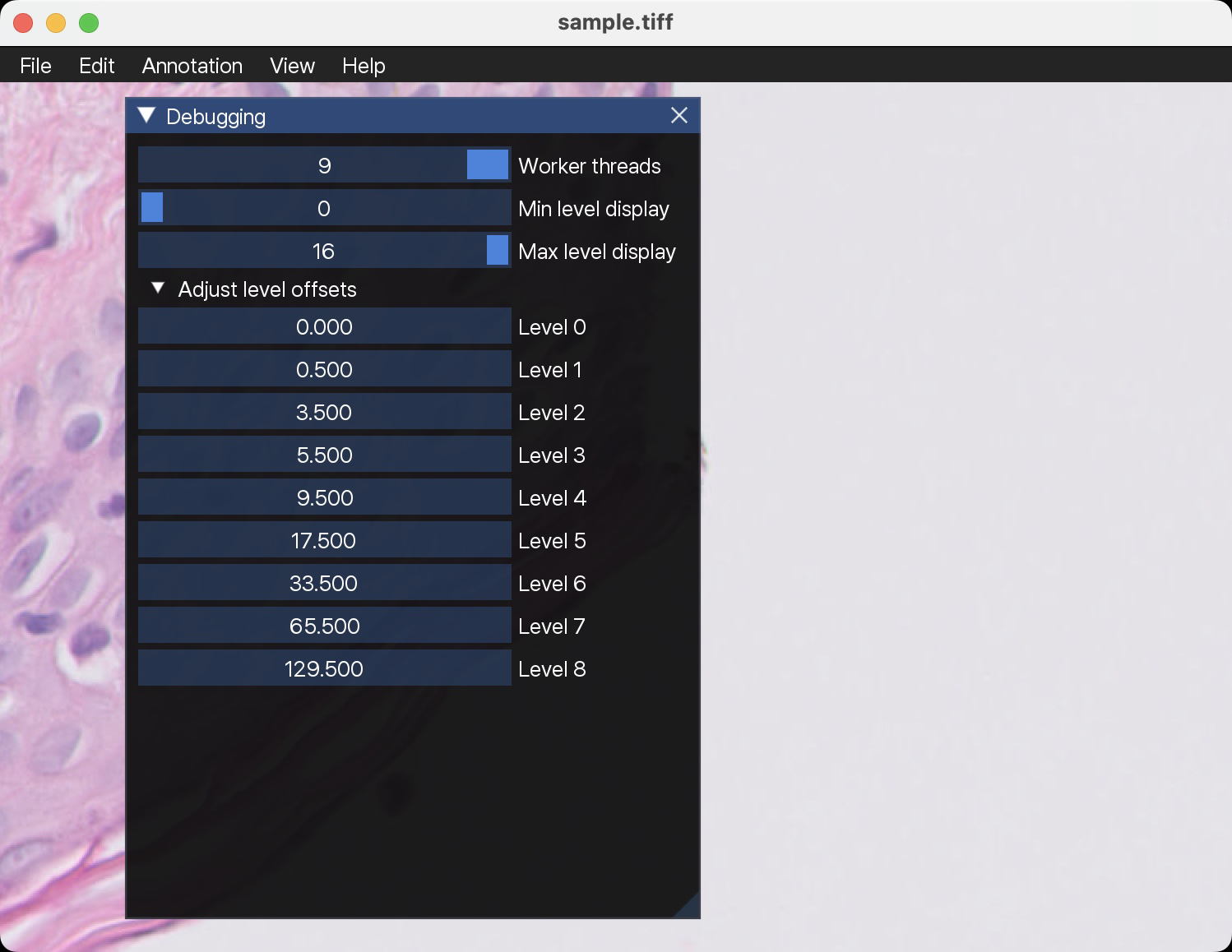
Maybe it would make sense to embed the XPosition and YPosition TIFF tags in the converted TIFF? Then viewers could choose to use those to align the image on screen. |
|
Great plan! Let me verify your findings. How would we pass that through OpenSlide? Perhaps in the properties? |
I think it can be queried using "tiff.XPosition" and "tiff.YPosition": |
|
Right! Alright, let's do it this way! I will also implement it in dlup this way. @Falcury Let me see I got this right. The offset shown above in your example is defined in level 0. So to get it down to the level we want to compute the offset for we need to divide by 2**level. This then needs to be expressed in micrometers (or inches depending on the setting). Do you interpret it the same way? |
Yes! I think ResolutionUnits would be centimeters, not micrometes (that seems the only option in the TIFF standard apart from inches). We can keep it in terms of level 0, the conversion to ResolutionUnits is just a constant (should be mpp=0.25 most of the time). |
|
Right, indeed. I'll implement it after we merge your other PR. |
2 participants


This is a new attempt on top of #7. The difference now is that 1) I tried to fix any memory leaks (memorysanitizer is still not so happy)? 2) we can also set float offsets using pixman for bilinear interpolation (or whatever).
I am not sure we need the float interpolation, but I have tried using
offset_in_pixels, but when using SlideScape with @Falcury's debug option, I still see a shift of the image happening. This doesn't happen if I load a real isyntax image, so somewhere I am using the wrong offset? See #17Update: current version doesn't cause any shifts across levels.