
bkt put -f ./ /target-path-in-s3/ -w 10
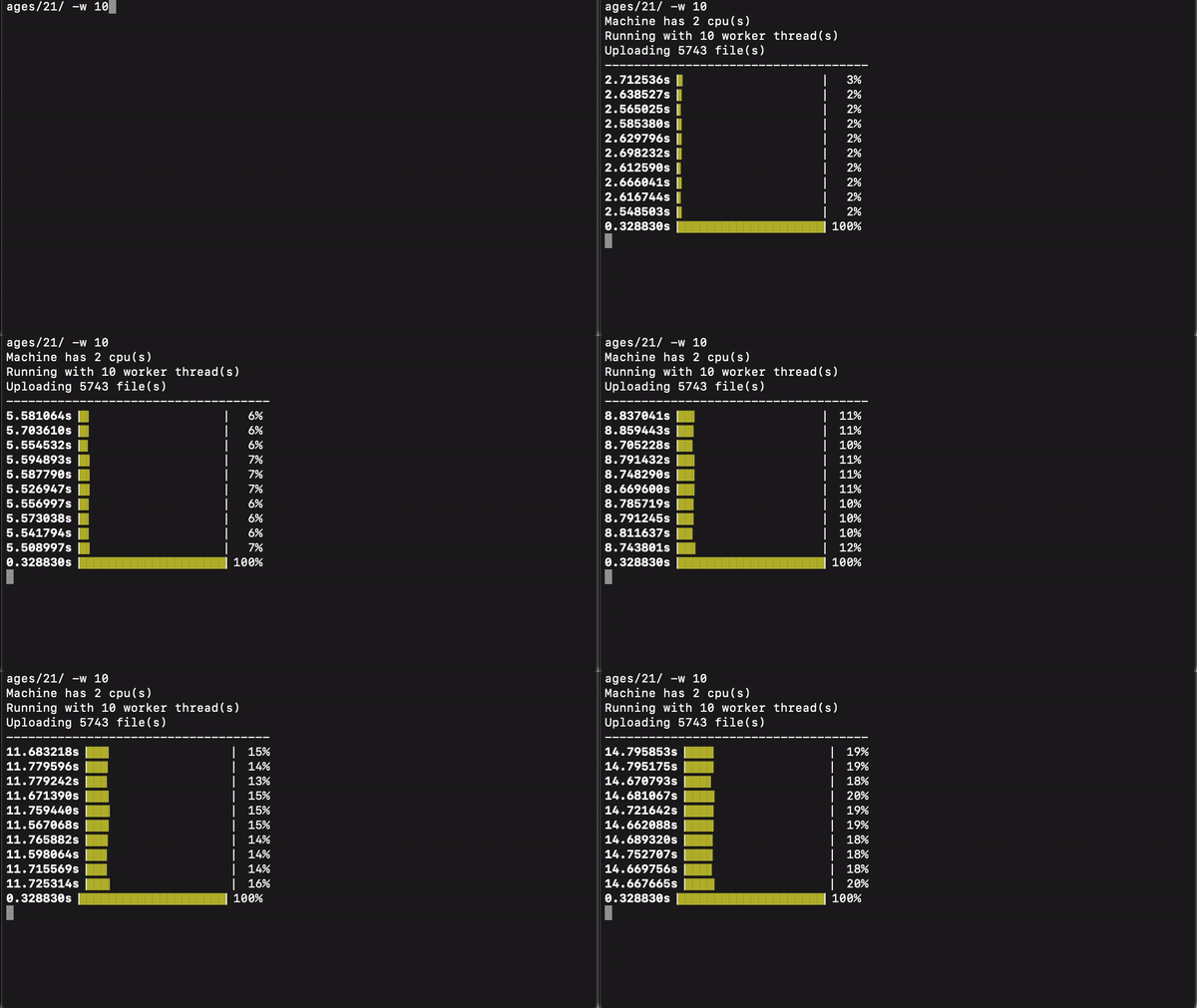
The example above is pushing images to Linode object storage. Average file size is about 200KB to 350KB. The run finish in 76s.
curl -L https://github.com/YJChan/bkt/releases/download/v0.2.4/bkt-linux-amd64 > bkt

mkdir -p ~/bin && mkdir -p $HOME/.bkt/bin && mv ./bkt $HOME/.bkt/bin

chmod +x $HOME/.bkt/bin/bkt

ln -s $HOME/.bkt/bin/bkt ~/bin/bkt

source ~/.profile
bkt 0.1.0

USAGE:
    bkt [FLAGS] [OPTIONS] <action>

FLAGS:
    -h, --help         Prints help information
    -V, --version      Prints version information
    -v, --verbosity    Pass many times for more log output

OPTIONS:
    -b, --bucket <bucket-name>
            Bucket name, this value will overwrite the bucket name set in config

    -c, --config <config-value> <config-value> <config-value> <config-value> <config-value>
            s3 bucket configuration, sequence as follow:
             access key (s3 access key)
             secret key (s3 secret key)
             bucket (use '-' on bucket if no fix bucket need to define)
             endpoint (use '-' on endpoint if no endpoint need to configure, default is AWS endpoint)
             region (use '-' on region if that is s3 compatible services)
    -t, --content-type <content_type>
            Upload file's content type, eg. image/jpeg, application/pdf, etc...

    -d, --destination <destination>
            Location you want to put in s3 bucket

    -f, --folder <folder>
            Recursively upload files in folder to s3 bucket

    -l, --limit <limit>
            Limit number of files to be upload when uploading a folder

    -s, --source <source>
            File you want to upload to s3 bucket


ARGS:
    <action>    allowed arguments are <get> or <put> or <set> or <list-config>
bkt will first need to setup config value in order to put objects to targeted s3 storage
bkt set --config AWSACCESSKEY AWSSECRETKEY image-folder - cn-north-1
bkt put folder to s3 storage
bkt put --folder $(pwd) --destination /target-folder/weekend/images
bkt put single file to s3 storage
bkt put --source ./test.txt --destination /target-folder/weekday/test.txt
bkt put file with 8 threads
bkt put -f $(pwd) -d /target-folder/weekend/images -w 8
Available region arguments
us-east-2
us-west-1
us-west-2
ca-central-1
ap-south-1
ap-northeast-1
ap-northeast-2
ap-northeast-3
ap-southeast-1
ap-southeast-2
cn-north-1
cn-northwest-1
eu-north-1
eu-central-1
eu-west-1
eu-west-2
eu-west-3
me-south-1
sa-east-1
Digital Ocean nyc3
Digital Ocean ams3
Digital Ocean sgp1
Yandex Object Storage
Wasabi us-east-1
Wasabi us-east-2
Wasabi us-west-1
Wasabi eu-central-1