[No QA] Add SKIP_ONBOARDING env flag for automated browser testing#83615
[No QA] Add SKIP_ONBOARDING env flag for automated browser testing#83615neil-marcellini wants to merge 3 commits intomainfrom
Conversation


When SKIP_ONBOARDING=true is set in .env, the OnboardingGuard allows
navigation to proceed without redirecting to the onboarding flow.
This is useful for automated browser testing (e.g., MelvinBot) where
the agent needs to reach the main app view quickly without navigating
through multiple onboarding screens.

Defaults to false so normal development and production are unaffected.

Made-with: Cursor

 melvin-bot
bot
requested review from
mjasikowski and
trjExpensify
and removed request for
a team
melvin-bot
bot
requested review from
mjasikowski and
trjExpensify
and removed request for
a team

|
@mjasikowski Please copy/paste the Reviewer Checklist from here into a new comment on this PR and complete it. If you have the K2 extension, you can simply click: [this button] |

Codecov Report✅ Changes either increased or maintained existing code coverage, great job!
|

Browser Testing Report for PR #83615Test Environment
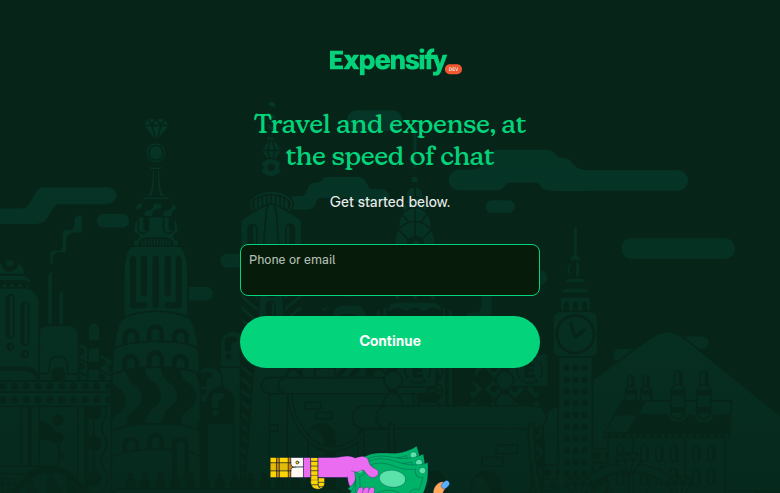
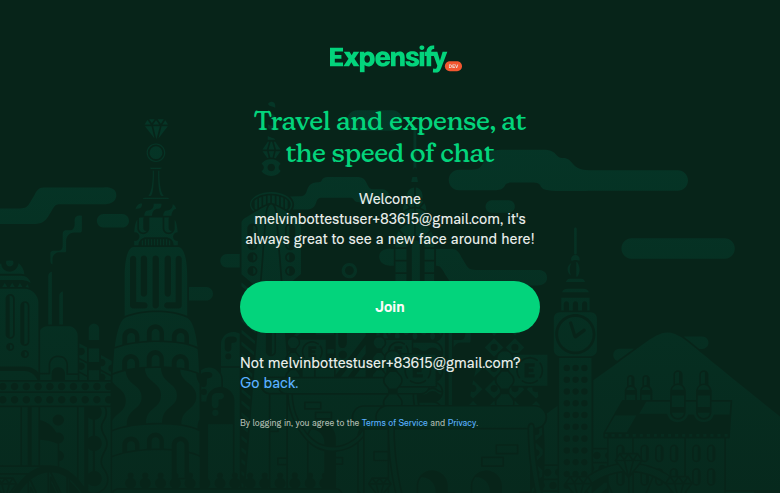
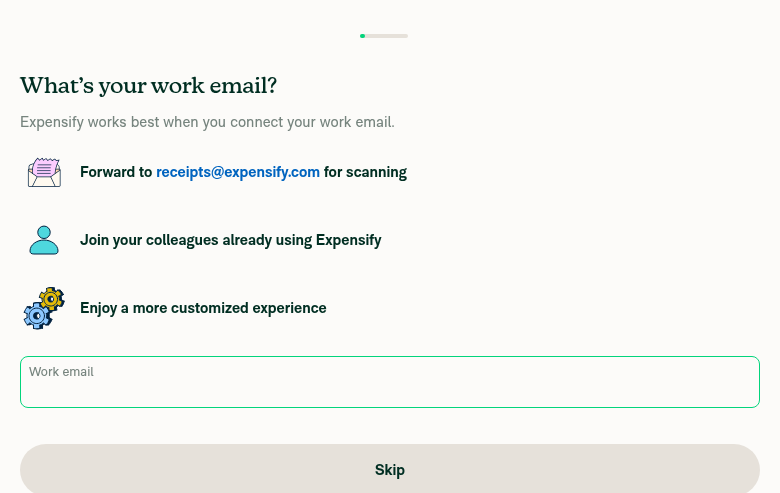
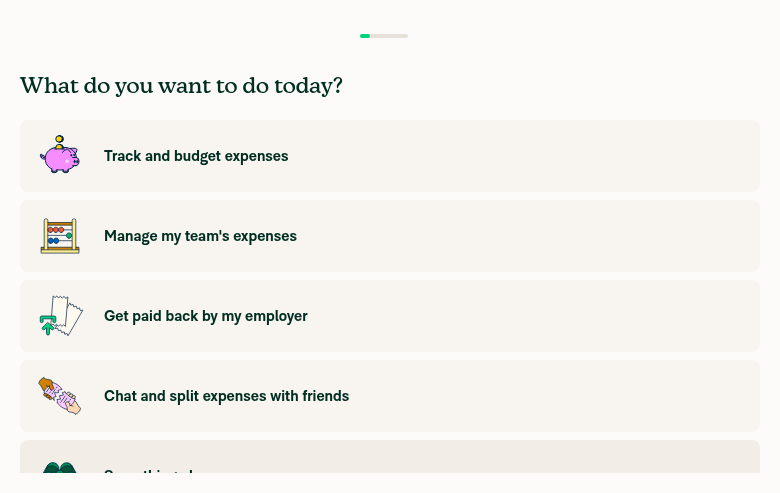
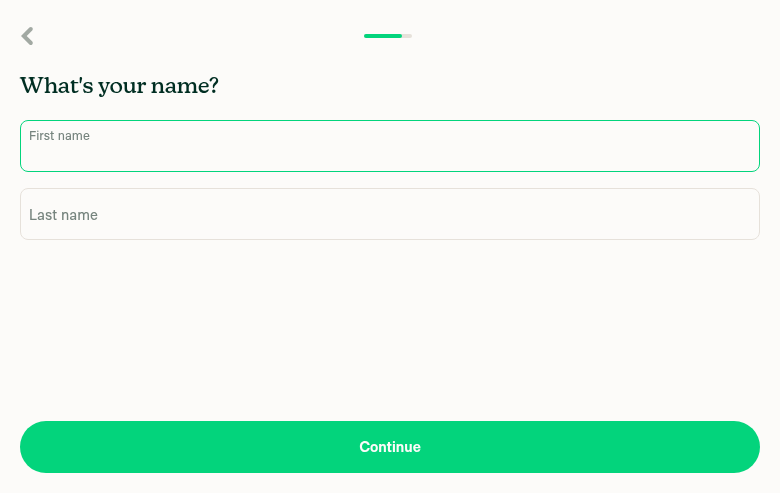
Screenshots1. Login page — App loads correctly with Expensify [dev] badge: 2. New account welcome screen — Join flow for a new user: 3. Onboarding step 1 — "What's your work email?" (at 4. Onboarding step 2 — "What do you want to do today?" (at 5. Onboarding step 3 — "What's your name?" (at Test Results
SummaryThe app builds and runs correctly on this branch. With the default The |
|
I ran out of time before I could finish helping you. This usually means the task was too complex or I got stuck exploring. Please try again with a more specific request or post in the #melvinbot-ai. Run details: https://github.com/Expensify/Expensify/actions/runs/22466784879 |
When the app-web-tester subagent runs inside the App directory,
Claude Code loads App/.claude/settings.json which only allowed
Playwright MCP tools. This caused every Bash command to be denied,
including sed (to configure .env), ensureDevServer.sh, mkdir, ls,
and even echo. Adding Bash patterns here allows the subagent to
set up the dev environment and take screenshots.

Made-with: Cursor

This reverts commit 1d8cf02.
2 participants


Explanation of Change
Adds a
SKIP_ONBOARDINGenvironment variable (defaults tofalse) that, when set totrue, causes theOnboardingGuardto skip the onboarding flow entirely. This is intended for automated browser testing environments (e.g., MelvinBot'sapp-web-testersubagent) where navigating through onboarding screens wastes significant time and frequently causes test timeouts.The change is minimal:
.env.example: NewSKIP_ONBOARDING=falseentrysrc/CONFIG.ts: Read the env var intoCONFIG.SKIP_ONBOARDINGOnboardingGuard.ts: AddCONFIG.SKIP_ONBOARDINGto theshouldSkipOnboardingconditionProduction and normal development are unaffected since the flag defaults to
false.Fixed Issues
This is an internal infrastructure improvement for MelvinBot automated testing. No user-facing issue.
Tests
SKIP_ONBOARDING=truein.envnpm run webSKIP_ONBOARDING=false(or remove the line)Offline tests
N/A - This only affects the navigation guard at app startup, not network behavior.
QA Steps
// TODO: These must be filled out, or the issue title must include "[No QA]."
N/A - Dev-only environment flag, not reachable in staging/production.
Made with Cursor