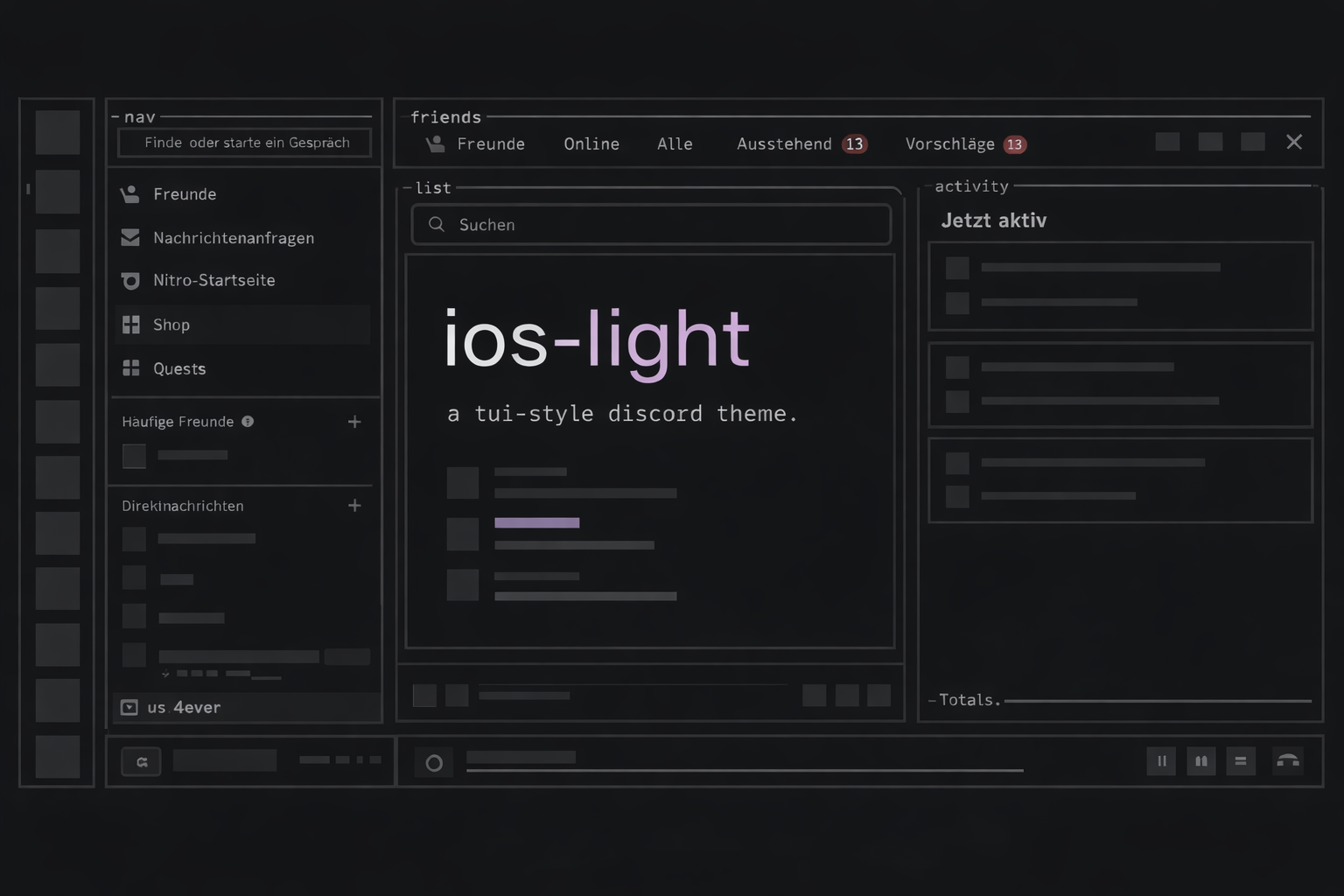
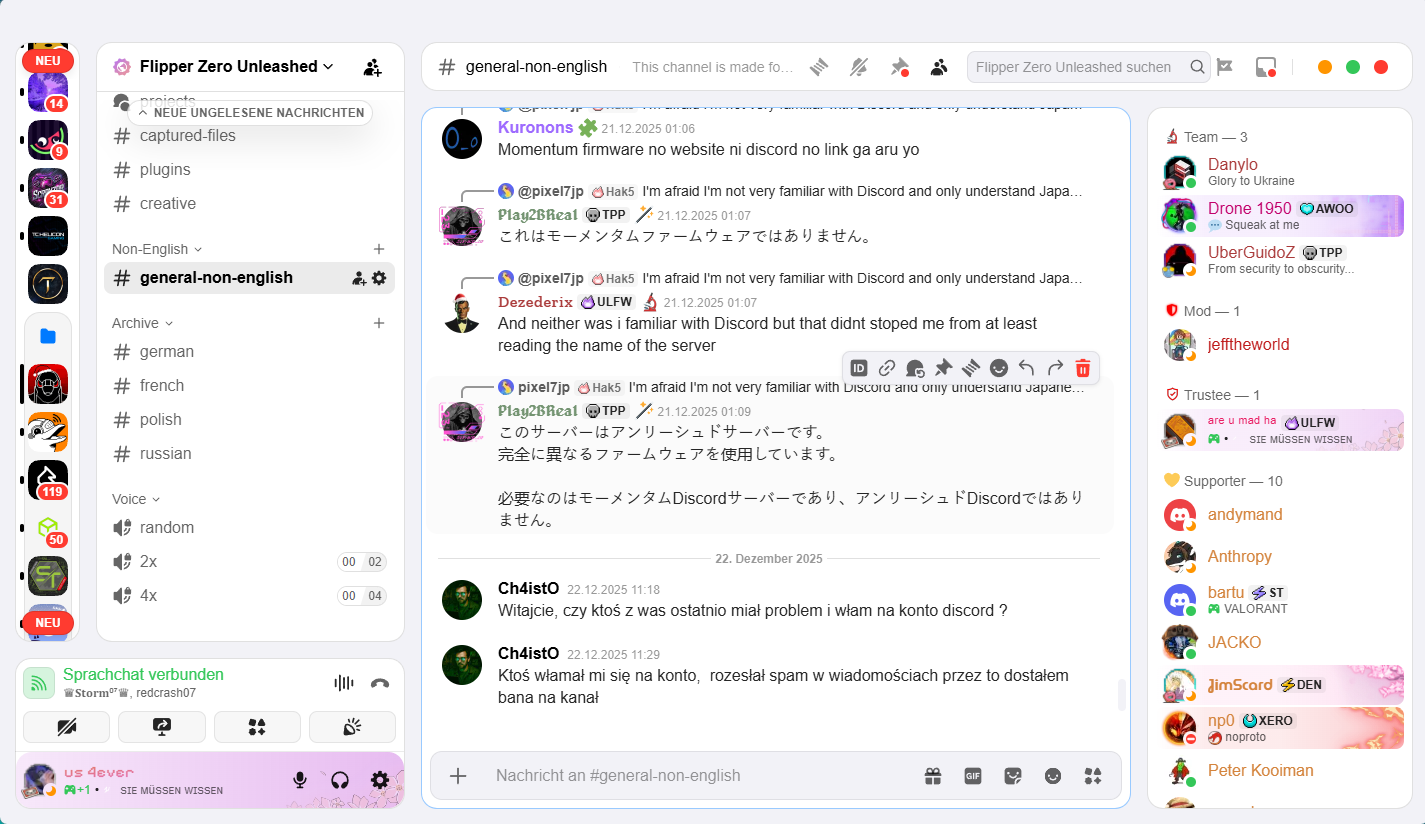
A Discord theme that looks like iOS. Uses San Francisco fonts, iOS colors, rounded corners, blur effects, and all that good stuff. Built on top of system24's modular setup. Works with Vencord and BetterDiscord.
- Download
ios-light.theme.css(right-click and save) - Drag it into your theme folder (there's usually a button in theme settings to open the folder)
- Enable it in your client settings
Add https://einspommes.github.io/ios-light/theme/ios-light.theme.css to your theme import links.
- iOS Light - Light iOS theme (default)
- iOS Dark - Dark iOS theme with black background
- iOS 26 - iOS 26 theme with enhanced blur effects and modern features
You can customize pretty much everything through CSS variables in the theme file. Change fonts, colors, spacing, animations, toggle panel labels, ASCII titles, Spotify bar style, rounded corners, etc.
Just edit the variables in theme/ios-light.theme.css to your liking.
This theme uses midnight for the base styles and system24's modular architecture.
To work on it locally:
- Clone the repo
- Run
npm i - Create a
.envfile in the project root with paths to local theme files (comma separated):
DEV_OUTPUT_PATH=C:\Users\USERNAME\AppData\Roaming\Vencord\themes\ios-light-dev.theme.css
- Run
npm run dev - Make changes to files in
/srcor the theme file. Your local theme files will update automatically, along with the build file in/build - Submit a pull request with your changes
/src- CSS modules (main.css, colors.css, ascii.css, panel-labels.css, spotify-bar.css, unrounding.css, ios.css)/theme- Theme files that import all modules/build- Compiled CSS files/assets- Fonts and images
- midnight-discord for the base styles
- system24 for the modular architecture and features
MIT License