

A robust, zero-dependency, highly configurable QR code generator for TypeScript and JavaScript projects. This library implements the complete QR Code specification (ISO/IEC 18004) with support for all versions (1-40), error correction levels, and encoding modes.
- Complete QR Code Implementation: Full support for QR Code versions 1-40 with automatic version selection
- All Encoding Modes: Numeric, Alphanumeric, Byte, and Kanji encoding with automatic mode detection
- Error Correction Levels: L (7%), M (15%), Q (25%), H (30%) with configurable levels
- SVG Rendering: Built-in SVG renderer with customizable module size
- Zero Dependencies: Pure TypeScript implementation with no external dependencies
- Full TypeScript Support: Complete type safety and IntelliSense support
- Comprehensive Testing: Full unit test suite with Reed-Solomon error correction validation
- Browser & Node.js: Works in both environments with ESM, CJS, and UMD builds
npm install @deityhub/qr-code-gen
# or
yarn add @deityhub/qr-code-genYou can also use the library directly in your browser via unpkg CDN:
<script src="https://unpkg.com/@deityhub/qr-code-gen/dist/umd/qr-code-gen.min.js"></script>The library will be available as window.QRCodeGen.
import { generateQRCode, renderToSVG } from '@deityhub/qr-code-gen';

// Generate a QR code
const matrix = generateQRCode({ data: 'Hello, World!' });

// Render as SVG (size in pixels)
const svg = renderToSVG(matrix, 300);

console.log(svg);Generates a QR code matrix.
config.data(string): The data to encodeconfig.version?(number): QR code version (1-40, auto-detected if not specified)config.ecl?('L' | 'M' | 'Q' | 'H'): Error correction level (default: 'M')config.mode?('Numeric' | 'Alphanumeric' | 'Byte' | 'Kanji' | 'Auto'): Encoding mode (default: 'Auto')config.quietZone?(number): Quiet zone size in modules (default: 4)
QRMatrix: 2D boolean array wheretruerepresents black modules
Renders a QR code matrix as an SVG string.
matrix(QRMatrix): The QR code matrix fromgenerateQRCodesize?(number): Total SVG size in pixels (default: 300)
string: SVG markup
Renders a QR code matrix as a UTF-8 string using block characters (useful for console output).
matrix(QRMatrix): The QR code matrix fromgenerateQRCode
string: Console-friendly string representation
import { generateQRCode, renderToSVG } from '@deityhub/qr-code-gen';

// Simple text QR code
const matrix = generateQRCode({ data: 'https://example.com' });
const svg = renderToSVG(matrix, 300);import { generateQRCode, renderToSVG } from '@deityhub/qr-code-gen';
// High error correction with custom sizing
const matrix = generateQRCode({
data: 'Important data that needs redundancy',
ecl: 'H', // High error correction (30% recovery)
version: 10, // Force specific version
quietZone: 2 // Smaller quiet zone
});
const svg = renderToSVG(matrix, 400); // 400px SVGimport { generateQRCode, renderToString } from '@deityhub/qr-code-gen';
const matrix = generateQRCode({ data: 'Hello, World!' });
console.log(renderToString(matrix));import { generateQRCode } from '@deityhub/qr-code-gen';
// Numeric mode (most efficient for numbers)
const numericQR = generateQRCode({
data: '1234567890',
mode: 'Numeric'
});
// Alphanumeric mode
const alphaQR = generateQRCode({
data: 'ABC123',
mode: 'Alphanumeric'
});
// Byte mode (for any data)
const byteQR = generateQRCode({
data: 'Hello, 世界!',
mode: 'Byte'
});
// Kanji mode (for Japanese text)
const kanjiQR = generateQRCode({
data: 'こんにちは',
mode: 'Kanji'
});This implementation follows the official QR Code specification:
- Versions 1-40: Support for matrix sizes from 21×21 to 177×177 modules
- Auto-detection: Automatically selects the minimum version required for your data
| Level | Error Correction Capacity | Data Recovery |
|---|---|---|
| L | ~7% | Low |
| M | ~15% | Medium |
| Q | ~25% | Quartile |
| H | ~30% | High |
| Mode | Character Set | Bits per Character |
|---|---|---|
| Numeric | 0-9 | 3.33 |
| Alphanumeric | 0-9, A-Z, and 9 special chars | 5.5 |
| Byte | ISO-8859-1 characters | 8 |
| Kanji | Shift JIS characters | 13 |
The library is organized into several modules:
/encoder: Data encoding and mode selection/ecc: Reed-Solomon error correction/matrix: Matrix initialization and pattern placement/renderers: Output formatting (SVG, console)/constants: QR code specification data
- ✅ All 40 QR code versions with correct capacity calculations
- ✅ Complete Reed-Solomon error correction implementation
- ✅ All encoding modes including Kanji support
- ✅ Proper alignment pattern placement for all versions
- ✅ Format and version information pattern reservation
- ✅ Masking pattern evaluation and selection
- ✅ Comprehensive unit test coverage
- Optimized for size: Zero dependencies, minimal bundle size
- Fast encoding: Efficient bit manipulation and data structures
- Memory efficient: Streamlined matrix operations
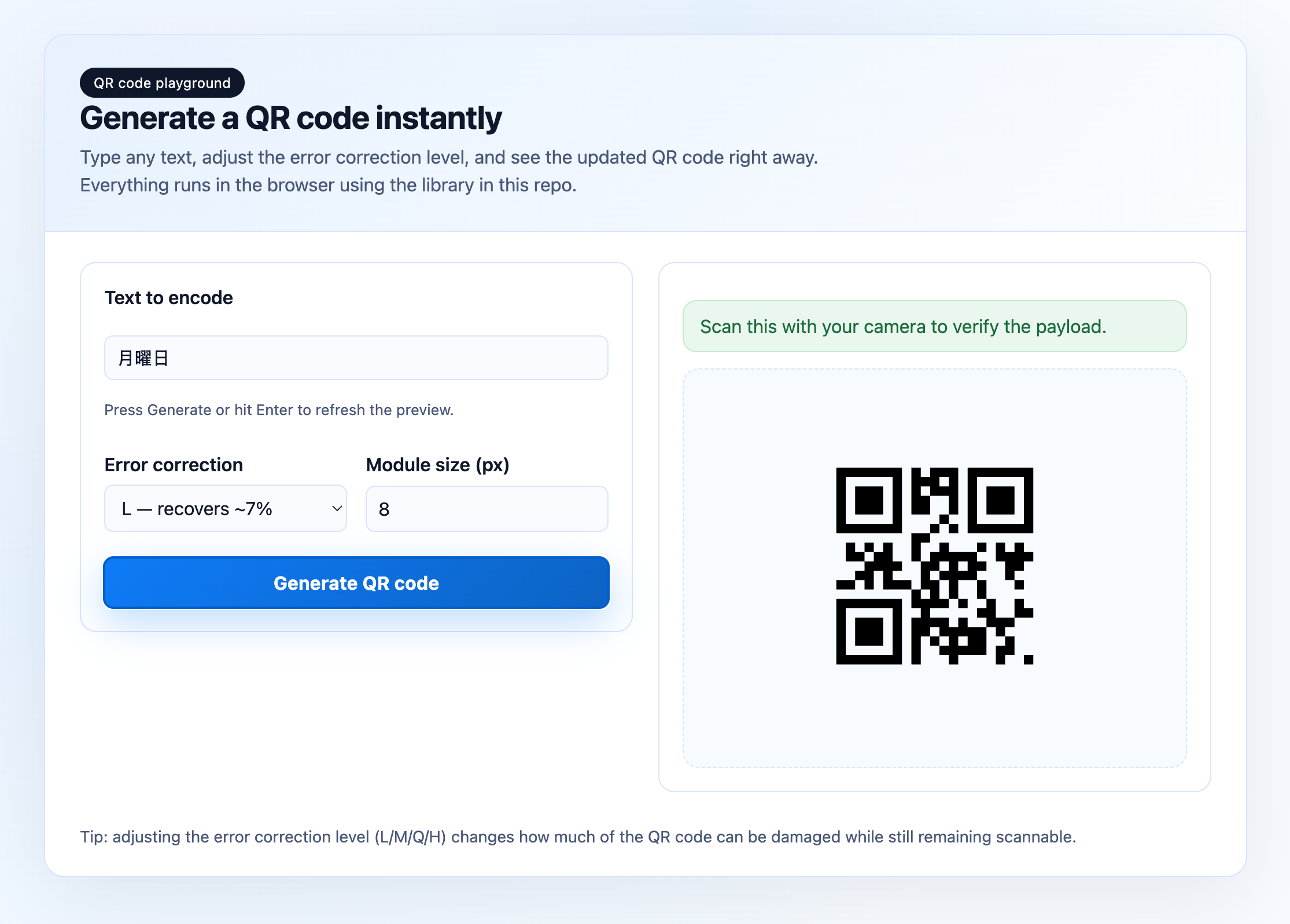
Try the QR code generator in your browser! The demo allows you to:
- Enter any text or URL
- Adjust error correction levels (L/M/Q/H)
- Customize module size
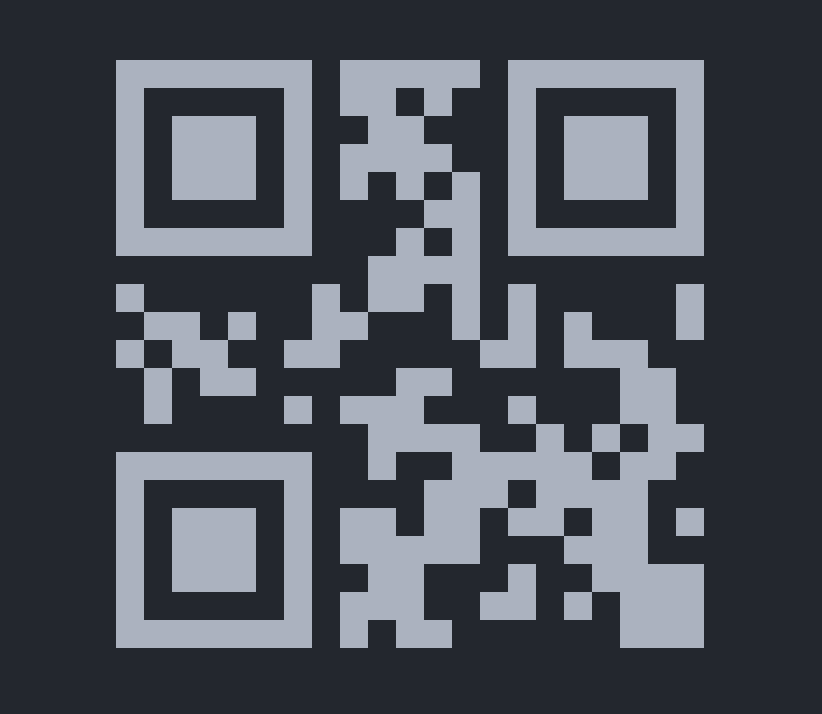
- See real-time QR code generation
Open src/example/demo.html in your browser to try it out.
npm run buildnpm testnpm run lintContributions are welcome! Please ensure:
- All tests pass (
npm test) - Code follows the existing style (
npm run lint) - New features include appropriate tests
- Documentation is updated for any API changes
MIT License - see LICENSE file for details.
See CHANGELOG.md for a detailed history of changes.